How-To-Tutorials · October 13, 2025
Integrate CANopen Protocol with STM32 and FreeRTOS for Sensor Data Acquisition
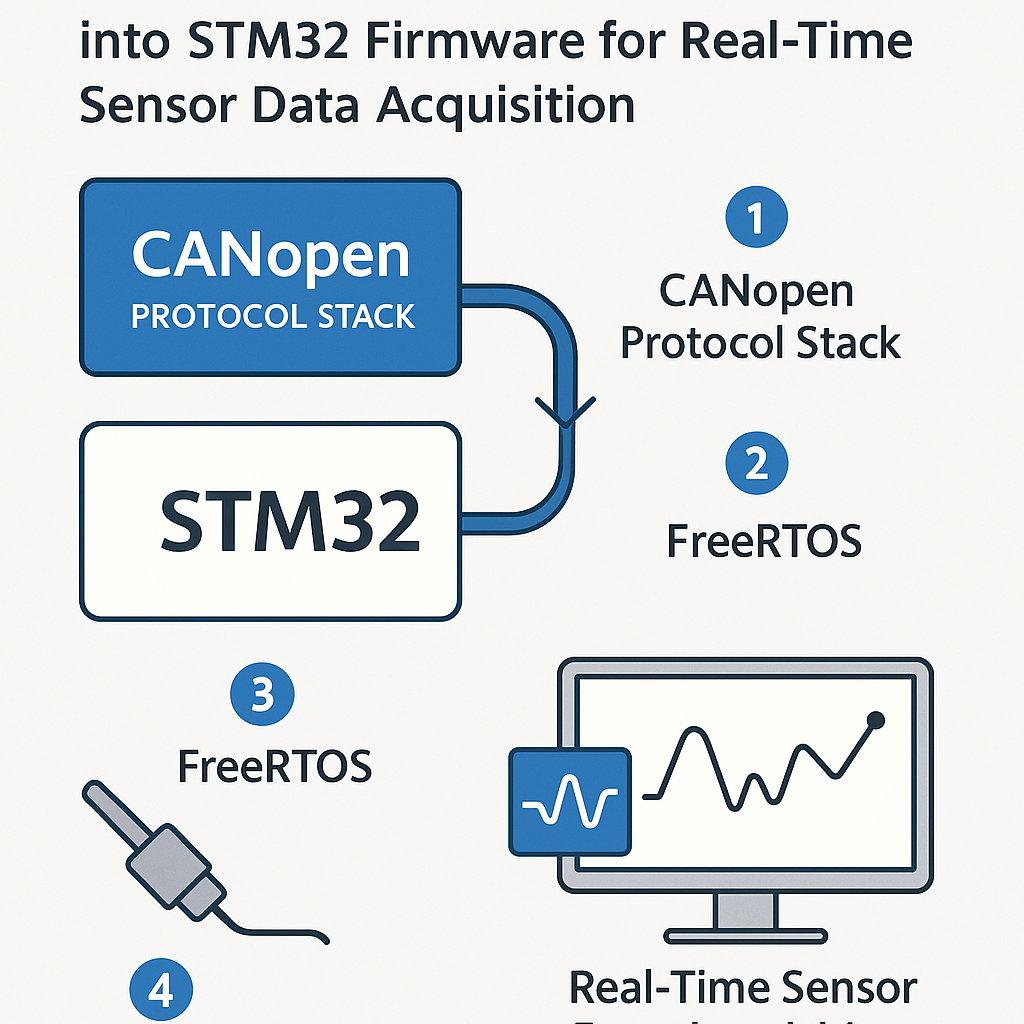
Integrating CANopen Protocol Stack into STM32 Firmware for Real-Time Sensor Data Acquisition using FreeRTOS
This tutorial walks you through the integration of the CANopen protocol stack into an STM32 firmware project to facilitate real-time sensor data acquisition while leveraging the FreeRTOS operating system. By following these steps, you will set up a robust communication system for your embedded application.
Prerequisites
- Basic knowledge of C programming and embedded systems
- Familiarity with STM32 microcontrollers
- FreeRTOS configured in your STM32 project
- CANopen protocol stack (e.g., CANopenNode)
- Development environment set up (e.g., STM32CubeIDE)
Parts/Tools
- STM32 development board (e.g., STM32F4 series)
- CAN transceiver (e.g., MCP2551)
- USB to CAN interface for testing
- PC with STM32CubeIDE or equivalent IDE installed
- FreeRTOS library files
- CANopen protocol stack files (e.g., from CANopenNode)
Steps
- Set Up Your Development Environment
- Open STM32CubeIDE and create a new STM32 project.
- Select your STM32 device and configure the necessary peripherals (CAN, GPIO, etc.).
- Ensure FreeRTOS is included in the project.
- Integrate FreeRTOS
- Open the FreeRTOS configuration file (FreeRTOSConfig.h).
- Set the following configuration options to enable task management:
#define configUSE_PREEMPTION 1 #define configUSE_IDLE_HOOK 1 #define configUSE_TICK_HOOK 1 #define configMAX_PRIORITIES 5 - Download and Add the CANopen Protocol Stack
- Download the CANopenNode stack from CANopenNode GitHub.
- Extract the files and add them to your project directory.
- Include necessary headers in your main source file:
#include "CANopenNode.h" - Configure CANopen Parameters
- Navigate to the CANopenNode configuration files and adjust the settings as needed, such as Node ID, baud rate, etc.
- Example configuration snippet:
CO_NMT_reset_cmd_t reset = CO_RESET_APP; // Reset command uint8_t nodeID = 1; // Set node ID - Create FreeRTOS Tasks
- Define a task for handling CAN communication:
void CAN_Task(void *pvParameters) { while(1) { // Handle CAN communication vTaskDelay(pdMS_TO_TICKS(100)); // Delay for 100 ms } } - Create the task in your main function:
- Initialize CANopen and FreeRTOS
- In your main function, initialize CANopen and start the FreeRTOS scheduler:
CO_Init(); vTaskStartScheduler(); - Test Communication
- Connect your STM32 board to a CAN network using the CAN transceiver.
- Use a USB to CAN interface on your PC to monitor CAN messages.
- Verify that the STM32 is sending and receiving messages correctly.
xTaskCreate(CAN_Task, "CAN_Task", 1000, NULL, 1, NULL);Troubleshooting
- CAN Communication Issues
- Check the CAN transceiver connections for proper wiring.
- Ensure that the baud rate settings match between devices.
- Use an oscilloscope or CAN analyzer to check signal integrity.
- FreeRTOS Task Not Running
- Check task priority levels and ensure the scheduler is started.
- Verify that the stack size is sufficient for your task.
Conclusion
Integrating the CANopen protocol stack into your STM32 firmware allows for robust real-time sensor data acquisition using FreeRTOS. By following this guide, you have set up a basic framework for CAN communication. You can further expand this by implementing specific CANopen services and extending your application features as needed.