How to Use STM32 TIM2 Interrupt for 1ms Tasks in FreeRTOS
When You Need Timing Tighter Than FreeRTOS Ticks
FreeRTOS gives you vTaskDelay() and software timers, which are fine for most things. But they're tied to the RTOS tick rate (typically 1 ms), and they're subject to jitter from higher-priority tasks and interrupts. When you need rock-solid 1 ms periodic execution -- think sensor sampling loops, motor control ticks, or PID update cycles -- a hardware timer interrupt is the way to go.
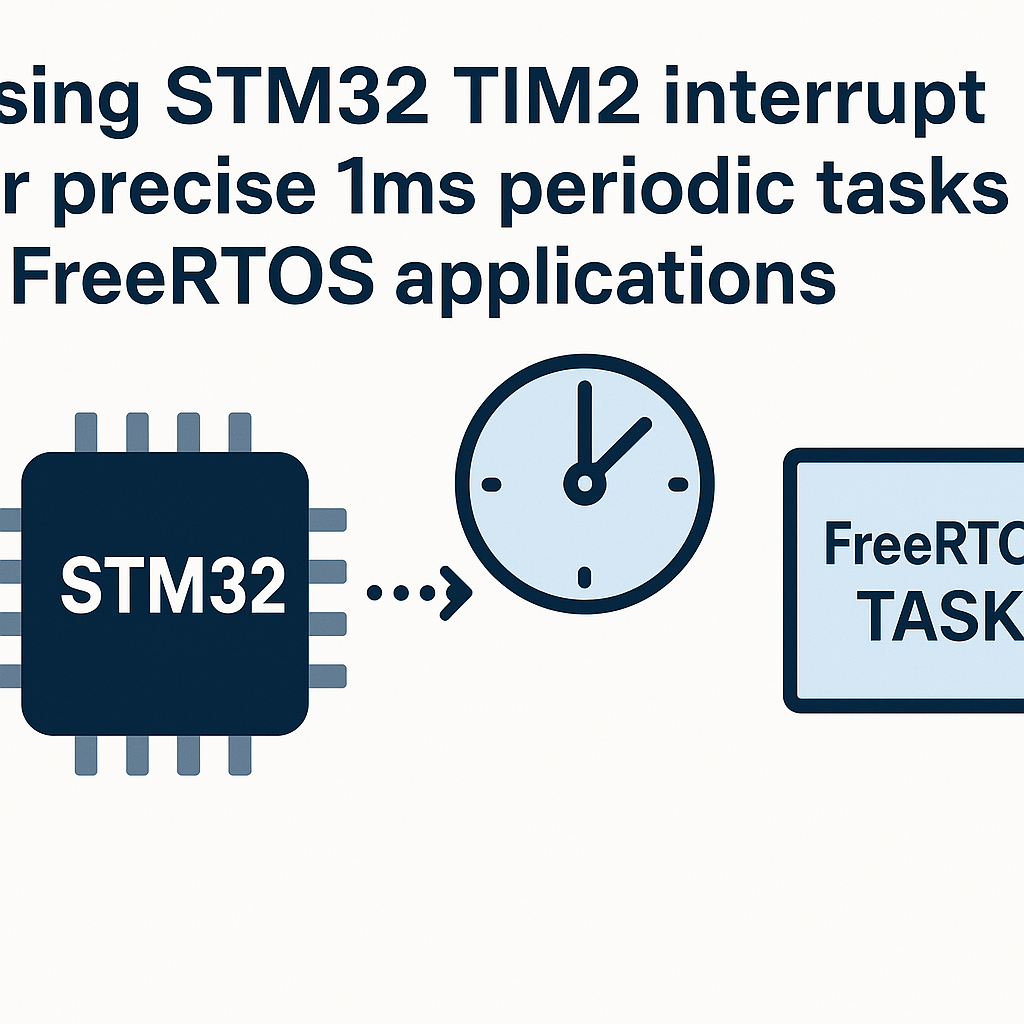
The approach here: configure TIM2 to fire an interrupt every 1 ms, then use that ISR to notify a FreeRTOS task. The task does the actual work; the timer just provides the precise heartbeat. This keeps your timing deterministic while still playing nicely with the RTOS scheduler.
Prerequisites
- Comfortable with C and basic STM32 peripheral configuration
- A working STM32CubeIDE (v1.16+) installation
- Basic understanding of FreeRTOS tasks, notifications, and ISR-safe API calls
Parts/Tools
- STM32 development board (e.g., STM32F4 Discovery, Nucleo-F446RE)
- USB cable for programming and debugging
- STM32CubeIDE with FreeRTOS middleware enabled
Steps
- Create an STM32 Project with FreeRTOS
Open STM32CubeIDE, create a new STM32 project, and select your chip (e.g., STM32F407VGTx). In the CubeMX configurator, go to Middleware and enable FreeRTOS. Select the CMSIS_V2 interface -- this is the recommended API for new projects and wraps the FreeRTOS v11.x kernel with a portable abstraction layer.
Tip: While you're in the FreeRTOS config, bump up the default task stack size. The default 128 words (512 bytes) is tight. I usually go with 256 words (1024 bytes) minimum to avoid mysterious stack overflow crashes later.
- Configure TIM2 for 1 ms Interrupts
In the CubeMX Timers section, enable TIM2. Set it to generate update interrupts with a 1 ms period.
For an STM32F4 running at 84 MHz APB1 timer clock:
Prescaler (PSC): 84 - 1    // Divide 84 MHz down to 1 MHz (1 us ticks)
Counter Period (ARR): 1000 - 1  // Count 1000 ticks = 1 ms
Under the NVIC settings, enable the TIM2 global interrupt. Set its priority to something lower (higher number) than the FreeRTOS
configMAX_SYSCALL_INTERRUPT_PRIORITY-- otherwise your ISR can't safely call FreeRTOS API functions.Watch out: This is a common gotcha. FreeRTOS requires that any ISR calling
xTaskNotifyFromISR()or similar functions has a priority numerically >=configMAX_SYSCALL_INTERRUPT_PRIORITY. On Cortex-M, lower number = higher priority. If you get this wrong, you'll see random crashes or the assert inport.cwill fire. - Generate Code
Click Generate Code. CubeMX will create the project structure with HAL initialization, FreeRTOS setup, and the TIM2 interrupt handler stub. Open the project in the IDE.
- Implement the TIM2 Interrupt Handler
CubeMX generates the interrupt plumbing for you. The HAL calls
HAL_TIM_PeriodElapsedCallback()when the timer's update event fires. Add your notification code there instead of directly editing the IRQ handler:/* In main.c or a separate callback file */ extern osThreadId_t periodicTaskHandle; // Declared by CMSIS_V2 code gen void HAL_TIM_PeriodElapsedCallback(TIM_HandleTypeDef *htim) { if (htim->Instance == TIM2) { BaseType_t xHigherPriorityTaskWoken = pdFALSE; vTaskNotifyGiveFromISR( (TaskHandle_t)periodicTaskHandle, &xHigherPriorityTaskWoken ); portYIELD_FROM_ISR(xHigherPriorityTaskWoken); } }The
if (htim->Instance == TIM2)check matters because this callback is shared across all timers. If you later add TIM3 or TIM4, you don't want their interrupts accidentally triggering your 1 ms task. - Create the Periodic Task
Define your task function. It blocks on the notification from the timer ISR, so it only runs when the hardware timer fires:
void PeriodicTask(void *argument)
{
    for (;;) {
        /* Block until TIM2 ISR sends a notification */
        ulTaskNotifyTake(pdTRUE, portMAX_DELAY);

        /* Your 1ms periodic work goes here */
        /* e.g., read sensor, update PID, toggle debug pin */
    }
}
If you're using CubeMX's FreeRTOS task creation (under the Tasks and Queues tab), you can define this task there and it will be auto-created. Otherwise, create it manually:
TaskHandle_t periodicTaskHandle;
xTaskCreate(
    PeriodicTask,
    "Periodic",
    256,    /* Stack size in words */
    NULL,
    osPriorityAboveNormal,  /* Give it higher priority than default */
    &periodicTaskHandle
);
Tip: Give this task a higher priority than your other tasks. If a lower-priority task is running when the TIM2 interrupt fires, you want the scheduler to preempt it immediately so your periodic task starts with minimal latency.
- Start the Timer and the Scheduler
Before
osKernelStart()(orvTaskStartScheduler()), start the timer in interrupt mode:HAL_TIM_Base_Start_IT(&htim2); osKernelStart();That's it. The timer is now firing every 1 ms, sending a notification to your task, which wakes up and does its work.
Troubleshooting
- Interrupt not firing: Make sure you called
HAL_TIM_Base_Start_IT(), not justHAL_TIM_Base_Start(). Without the_ITvariant, the timer runs but doesn't generate interrupts. Also verify the TIM2 interrupt is enabled in the NVIC configuration in CubeMX. - Task never wakes up: Check that
periodicTaskHandleis valid (not NULL) when the ISR fires. If the timer starts before the task is created, the notification goes nowhere. Also confirm you're checkinghtim->Instance == TIM2in the callback. - Random crashes or hard faults: Almost certainly an interrupt priority issue. Verify your TIM2 interrupt priority is numerically >=
configMAX_SYSCALL_INTERRUPT_PRIORITY(default is 5 on most STM32 CubeMX projects). Also check for stack overflow -- enableconfigCHECK_FOR_STACK_OVERFLOWin your FreeRTOS config. - Timing drift or jitter: Use a GPIO toggle inside the ISR (not the task) and measure with a logic analyzer. The ISR should be rock-solid at 1 ms. If the task execution shows jitter, that's a scheduling issue -- raise the task priority or check if higher-priority tasks are blocking.
A Few Design Considerations
This pattern -- hardware timer ISR notifying an RTOS task -- is a clean way to get deterministic timing. But keep the task's per-cycle work short. If your 1 ms task takes longer than 1 ms to execute, you'll start missing notifications and your timing breaks down. If that happens, you either need to optimize the task, offload work to a lower-priority task, or reconsider whether 1 ms is really the right interval.
Also worth knowing: FreeRTOS task notifications are the lightest-weight signaling mechanism in FreeRTOS (faster than semaphores or queues). They're perfect for this kind of single-producer, single-consumer pattern where the ISR just needs to say "go" to one specific task.