How to Use STM32 TIM2 for 1ms Event Scheduling and Button Debouncing
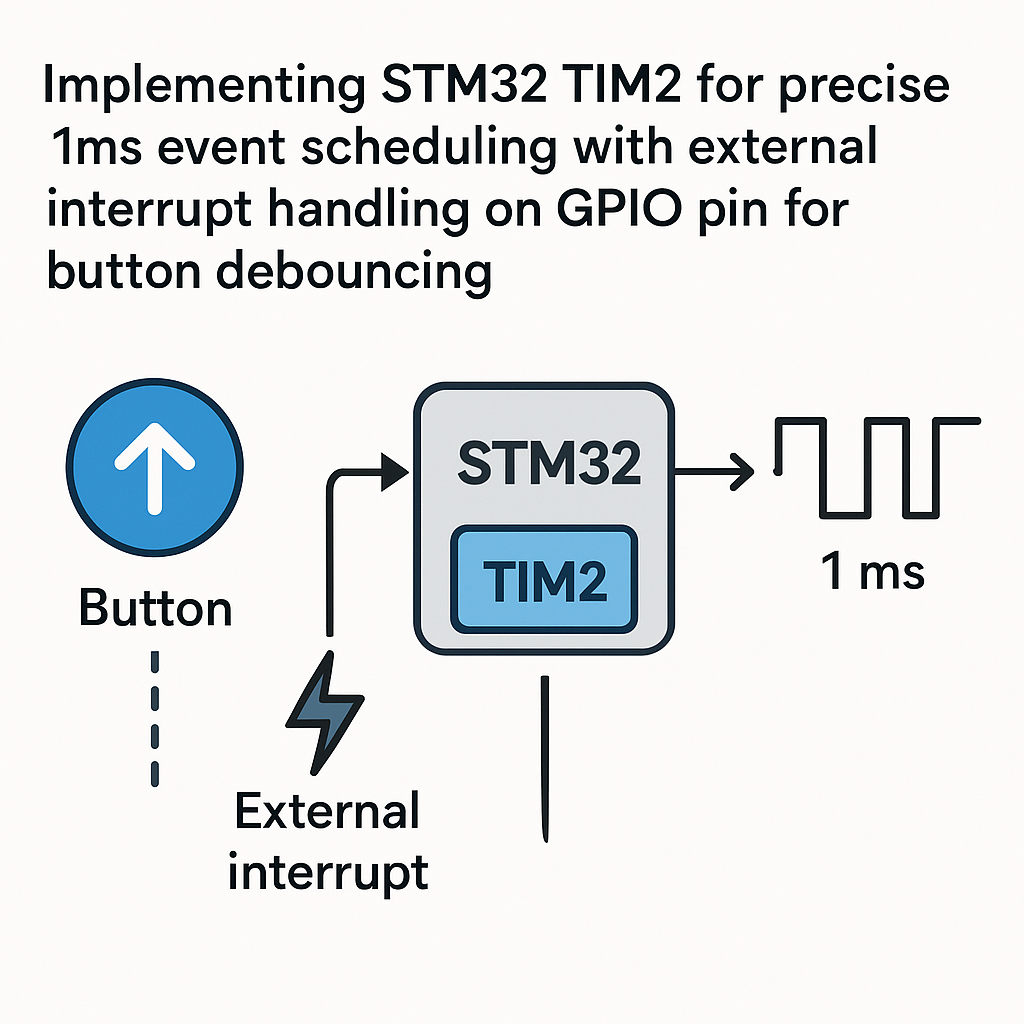
Timer-Based Event Scheduling and Hardware Debouncing on STM32
Mechanical buttons lie. You press once, the microcontroller sees five or six transitions as the contacts bounce. The classic fix is a timer-based debounce—and if you're already running a 1ms timer tick for event scheduling, you get debouncing practically for free. This guide sets up TIM2 on an STM32 for precise 1ms periodic events, then layers on GPIO interrupt handling with proper debounce logic.
We're using TIM2 specifically because it's a 32-bit timer on most STM32 families, giving you a massive count range without worrying about overflow. But the same approach works with any general-purpose timer.
Prerequisites
- Working knowledge of C and the STM32 HAL library.
- Basic understanding of timer prescalers, auto-reload registers, and interrupts.
- STM32 development board—any STM32F1, F4, G0, G4, or similar with TIM2 available.
- STM32CubeIDE v1.16+ installed.
- A push button and basic wiring supplies.
Parts/Tools
- STM32 development board (Nucleo or Discovery).
- USB cable for programming and power.
- Momentary push button switch.
- 10kΩ pull-down resistor (or use the internal pull-up/pull-down and skip the external resistor).
- STM32CubeIDE v1.16+.
- Optional: logic analyzer or oscilloscope to see the bounce in action.
Steps
- Create the project and configure TIM2
- Open STM32CubeIDE, create a new STM32 project, and select your MCU or board.
- In the CubeMX pinout view, enable TIM2 under Timers. Set the clock source to "Internal Clock."
- Calculate your prescaler and auto-reload values for a 1ms period. For example, on an STM32F4 running at 84MHz APB1 timer clock:
- Prescaler (PSC): 83 (divides 84MHz down to 1MHz, so each tick is 1µs)
- Auto-Reload (ARR): 999 (counts 1000 ticks = 1ms)
- Enable the TIM2 update interrupt in the NVIC settings.
- Configure the GPIO for button input with EXTI
- Pick a GPIO pin for your button (e.g., PA0). In CubeMX, set it to GPIO_EXTI0 mode with a falling edge trigger (assuming active-low button with pull-up).
- Enable the internal pull-up resistor in the GPIO configuration if you're not using an external pull-up. This saves a component.
- Enable the corresponding EXTI interrupt in NVIC.
- Generate the code.
- Implement the TIM2 interrupt handler
The HAL generates most of the boilerplate. You just need to implement the callback. This fires every 1ms—keep it fast:
/* In main.c or a separate timer handler file */
volatile uint32_t tick_1ms = 0;

void HAL_TIM_PeriodElapsedCallback(TIM_HandleTypeDef *htim)
{
    if (htim->Instance == TIM2) {
        tick_1ms++;

        /* Run periodic tasks here */
        /* e.g., check sensor every 100ms */
        if (tick_1ms % 100 == 0) {
            flag_read_sensor = 1;
        }

        /* LED heartbeat every 500ms */
        if (tick_1ms % 500 == 0) {
            HAL_GPIO_TogglePin(LED_GPIO_Port, LED_Pin);
        }
    }
}
Watch out: don't call HAL_Delay() or any blocking function inside this callback. You're in an interrupt context. Set flags and handle work in your main loop.
- Implement button debouncing with the EXTI interrupt
The EXTI interrupt fires on the first edge of the button press. The debounce logic ignores any subsequent edges within a time window. Using HAL_GetTick() works, but since you have your own 1ms counter you can use that too:
volatile uint32_t last_button_time = 0;
volatile uint8_t button_pressed_flag = 0;

#define DEBOUNCE_MS 50

void HAL_GPIO_EXTI_Callback(uint16_t GPIO_Pin)
{
    if (GPIO_Pin == BUTTON_Pin) {
        uint32_t now = HAL_GetTick();
        if (now - last_button_time > DEBOUNCE_MS) {
            last_button_time = now;
            button_pressed_flag = 1;
        }
    }
}
50ms is a good starting point for most tactile switches. If you're using a particularly bouncy switch (some cheap ones bounce for 20–30ms), you might need to go to 80ms. If you're using a good quality switch, 20ms might be enough. Hook up an oscilloscope to the pin and watch the actual bounce duration for your specific switch.
- Start the timer and handle events in main()
In your main function, start TIM2 in interrupt mode and then poll the flags set by your ISRs:
int main(void)
{
    HAL_Init();
    SystemClock_Config();
    MX_GPIO_Init();
    MX_TIM2_Init();

    /* Start TIM2 with interrupt */
    HAL_TIM_Base_Start_IT(&htim2);

    while (1) {
        if (button_pressed_flag) {
            button_pressed_flag = 0;
            /* Handle button press - toggle a mode,
               send a command, whatever you need */
            HandleButtonPress();
        }

        if (flag_read_sensor) {
            flag_read_sensor = 0;
            ReadSensor();
        }
    }
}
This pattern—set flags in ISRs, act on them in the main loop—keeps your interrupt handlers short and your application logic testable.
- Build, flash, and test
- Build the project (Ctrl+B). Fix any warnings—in embedded code, warnings often hide real bugs.
- Flash to your board using the built-in ST-Link debugger.
- Press the button and verify it registers exactly one press per physical press. Rapid pressing should still give you one event per press, not multiple.
- Verify the 1ms timing with a scope on the LED toggle pin. A 500ms toggle should give you a 1Hz blink (1 second period). If it's off, your prescaler/ARR math is wrong—go back and check your timer clock source frequency.
Troubleshooting
- Button press registers multiple times:
- Your debounce delay is too short. Increase it from 50ms to 80–100ms and test again.
- Check whether you're triggering on both rising and falling edges. Set EXTI to one edge only (usually falling for active-low buttons).
- Button press never registers:
- Check wiring. Use a multimeter to confirm the GPIO pin actually changes state when you press the button.
- Verify the EXTI interrupt is enabled in NVIC. CubeMX sometimes doesn't enable it by default.
- Make sure the pull-up or pull-down is configured correctly. Without it, the pin floats when the button is open and reads random values.
- Timer interrupt not firing:
- Confirm you called
HAL_TIM_Base_Start_IT(), not justHAL_TIM_Base_Start(). The _IT version enables the interrupt. - Check NVIC priority. If you have a higher-priority interrupt running continuously, TIM2 might be starved.
- Verify the timer clock is actually enabled—CubeMX usually handles this, but manual code might miss
__HAL_RCC_TIM2_CLK_ENABLE().
- Confirm you called
- Timing is wrong (LED blinks too fast or too slow):
- The APB1 timer clock might not be what you think. Check the clock configuration tree in CubeMX. On many STM32s, the timer clock is 2x the APB1 bus clock when the APB1 prescaler is greater than 1.
Summary
A 1ms timer tick is one of the most useful primitives in any embedded system. You get periodic scheduling, timeouts, software timers, and debouncing all from one hardware timer. The key to good debouncing: trigger on the first edge via EXTI, suppress subsequent edges for 50ms, and handle the actual event in the main loop rather than inside the ISR. Keep ISRs short, use flags to communicate between interrupt and main context, and always verify your timer math against an oscilloscope.