How to Set Up Matter and Thread on ESP32-H2 with Zephyr RTOS for IoT
Introduction
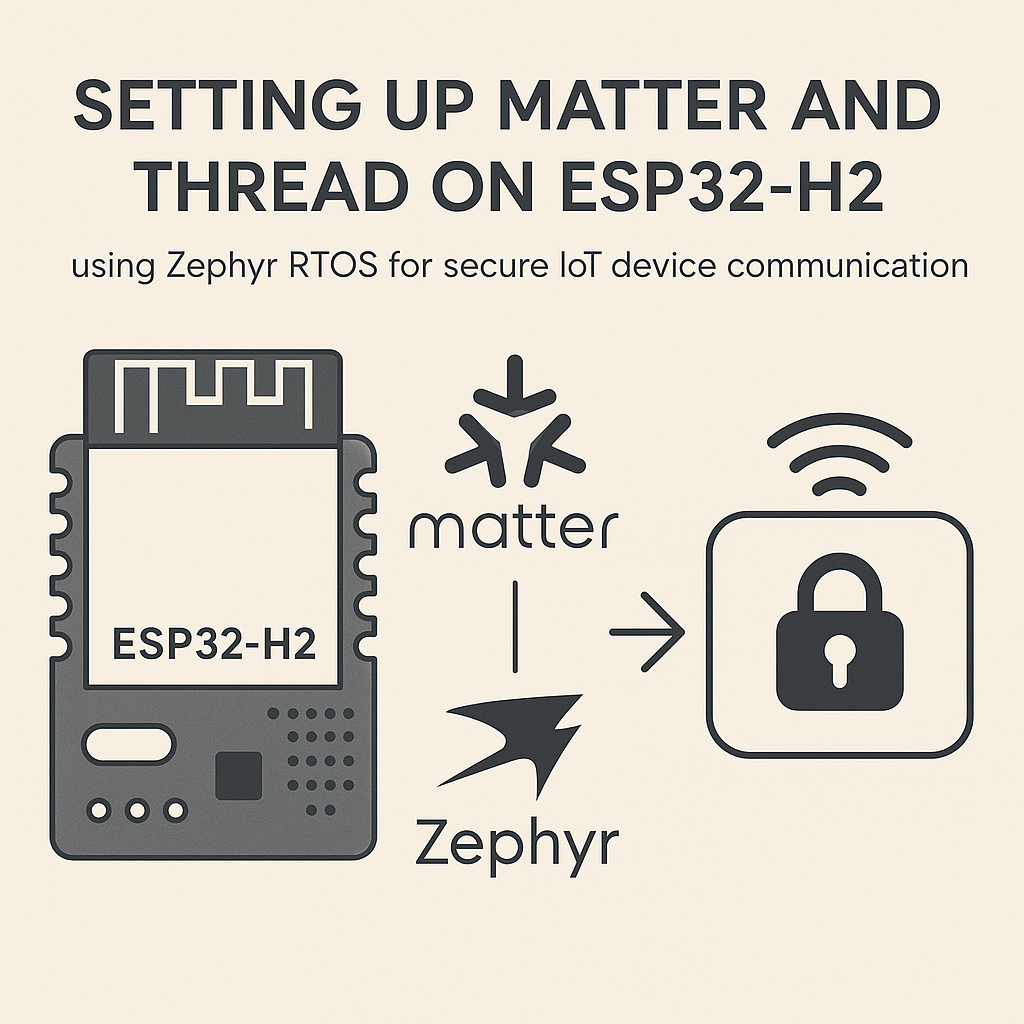
The ESP32-H2 is Espressif's dedicated Thread/BLE chip, and pairing it with Zephyr RTOS gives you a solid, vendor-neutral foundation for building Matter-compatible IoT devices. Matter (formerly Project CHIP) is the interoperability standard that lets your device work with Apple Home, Google Home, Amazon Alexa, and Samsung SmartThings without separate integrations for each platform.
Thread provides the mesh networking layer underneath Matter—it's an IPv6-based, low-power mesh protocol that self-heals and doesn't need a central access point (though it does need a Thread Border Router to bridge to your regular network). The ESP32-H2 supports both Thread and BLE natively, which is exactly what Matter needs: Thread for ongoing data transport and BLE for the initial device commissioning.
This guide walks you through getting Zephyr RTOS v3.7+ set up with Matter support and building a working firmware for the ESP32-H2.
Prerequisites
- Comfort with command-line tools and embedded development concepts
- ESP32-H2 development board (the ESP32-H2-DevKitM-1 is a good choice)
- USB-C cable for connecting the ESP32-H2 to your computer
- Python 3.9+ installed (Zephyr's west tool and Matter's build system both depend on it)
- Familiarity with Git, CMake, and your OS's package manager
Parts/Tools
- ESP32-H2 Development Board
- Computer running Linux, macOS, or Windows (Linux is the path of least resistance here)
- Zephyr SDK v0.16+ and west meta-tool
- Git
- CMake 3.20+
- A Thread Border Router for network testing (an Apple TV 4K, HomePod Mini, or a dedicated OpenThread Border Router on a Raspberry Pi 4/5 all work)
Steps
- Install Zephyr SDK and West
- First, install Zephyr's
westmeta-tool. This manages your entire Zephyr workspace:pip3 install west - Initialize a new Zephyr workspace. This pulls Zephyr v3.7+ and all its dependencies:
west init -m https://github.com/zephyrproject-rtos/zephyr --mr v3.7.0 ~/zephyrproject
cd ~/zephyrproject
west update
The
west updatestep takes a while—it's pulling dozens of HAL modules and libraries. Let it run. - Export the Zephyr CMake package and install Python dependencies:
west zephyr-export pip3 install -r ~/zephyrproject/zephyr/scripts/requirements.txt - Download and install the Zephyr SDK toolchain from the official releases page. After extracting, run the setup script:
cd ~/zephyr-sdk-0.16.8 ./setup.sh - Set the environment variables. Add these to your
~/.bashrcor~/.zshrc:
Then reload your shell config:export ZEPHYR_BASE=~/zephyrproject/zephyr export ZEPHYR_SDK_INSTALL_DIR=~/zephyr-sdk-0.16.8source ~/.bashrc
- First, install Zephyr's
- Clone the Matter (connectedhomeip) Repository
- Matter's repo is large. The recursive clone pulls in many submodules, so expect this to take some time:
git clone --recurse-submodules https://github.com/project-chip/connectedhomeip.git ~/connectedhomeip cd ~/connectedhomeip - Activate the Matter build environment. This sets up all the internal tools and paths:
source scripts/activate.shWatch out: you need to run
source scripts/activate.shin every new terminal session before building. It's easy to forget and then get cryptic build errors about missing tools.
- Matter's repo is large. The recursive clone pulls in many submodules, so expect this to take some time:
- Configure the Project for ESP32-H2 with Zephyr
- Matter includes example applications you can use as starting points. The
lighting-appexample is the most tested for Zephyr + Thread:cd ~/connectedhomeip/examples/lighting-app/esp32 - Check that the board configuration targets the ESP32-H2. The overlay and config files in the example should reference the
esp32h2target. If you're adapting a different example, make sure yourprj.confincludes Thread and Matter configs:CONFIG_NET_L2_OPENTHREAD=y CONFIG_CHIP=y CONFIG_CHIP_ENABLE_PAIRING_AUTOSTART=y
- Matter includes example applications you can use as starting points. The
- Build the Firmware
- Run the build targeting the ESP32-H2 board. The
--pristineflag ensures a clean build from scratch:west build -b esp32h2_devkitm ~/connectedhomeip/examples/lighting-app/esp32 --pristineIf the build fails with Kconfig errors, double-check that both your Zephyr and Matter environments are properly sourced. Most first-build failures come from missing environment setup.
- Run the build targeting the ESP32-H2 board. The
- Flash the Firmware to the ESP32-H2
- Connect your ESP32-H2 board via USB. Verify it's detected:
ls /dev/ttyUSB* # Linux ls /dev/cu.usb* # macOS - Flash it:
west flashIf flashing fails with a permission error on Linux, add your user to the
dialoutgroup:sudo usermod -aG dialout $USER, then log out and back in. - Monitor the serial output to confirm the firmware boots and starts Thread advertising:
west espressif monitor
- Connect your ESP32-H2 board via USB. Verify it's detected:
- Test Matter and Thread Communication
- You'll need a Thread Border Router on the same network. If you're using an Apple TV or HomePod Mini, they already function as Thread Border Routers. For a DIY setup, flash OpenThread Border Router (OTBR) on a Raspberry Pi 4 or 5 with a Thread radio dongle.
- Commission your ESP32-H2 device using the Matter controller of your choice:
- chip-tool (built from the connectedhomeip repo):
chip-tool pairing ble-thread <node-id> <thread-dataset> <setup-pin> <discriminator> - Apple Home: Scan the Matter QR code with the Home app on iOS 16.1+
- Google Home: Use the Google Home app to add a Matter device
- chip-tool (built from the connectedhomeip repo):
- Once commissioned, test basic control—toggle the light on/off through your chosen ecosystem. Check the serial monitor for Thread join confirmations and Matter message exchanges.
Troubleshooting
- ESP32-H2 not detected on USB: Try a different USB cable—many cables are charge-only with no data lines. On the ESP32-H2-DevKitM, use the USB-C port labeled "USB" (not "UART"). On Linux, check
dmesgoutput after plugging in. - Build errors about missing modules or Kconfig symbols: Run
west updateagain to make sure all Zephyr modules are synced. Also verify you've sourced both your Zephyr environment and the Matteractivate.shscript in the same terminal. - Flashing fails or times out: Make sure no serial monitor is holding the port open. On some boards, hold the BOOT button while pressing RESET to enter download mode before running
west flash. - Device doesn't join Thread network: Confirm your Thread Border Router is running and on a compatible Thread network. Use the OpenThread CLI (accessible via serial) to check the device's Thread state:
stateshould eventually show "router" or "child", not "detached". - Matter commissioning fails: BLE commissioning can be finicky. Make sure BLE is enabled on your phone/controller, you're physically close to the device, and the setup code matches. If using chip-tool, double-check the Thread dataset you're passing matches your border router's active dataset.
Where to Go From Here
With Matter and Thread running on your ESP32-H2, you've got a device that speaks the universal smart home language. The natural next steps are building out your application logic (sensors, actuators, whatever your project needs), implementing OTA updates via Matter's built-in update mechanism, and testing with multiple ecosystems simultaneously. Matter 1.4 added support for more device types including energy management and EV charging—worth exploring if your project fits those categories. For production devices, look into MCUboot for secure boot on Zephyr and the Matter certification process through the CSA.