How to Migrate STM32F4 Firmware to FreeRTOS for I2C Sensor Data Collection
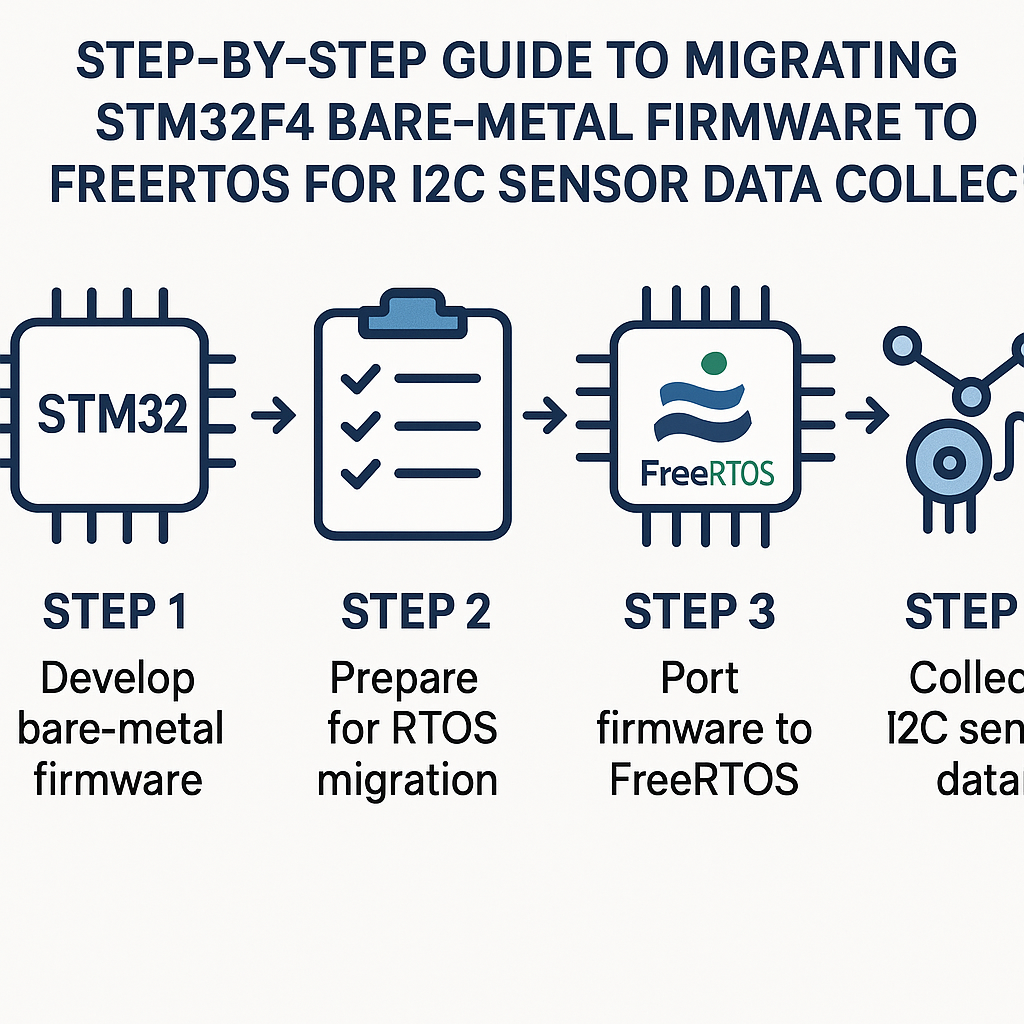
Why Move from Bare Metal to FreeRTOS?
Bare-metal firmware works great until you need to do two things at once. Once your main loop is juggling I2C reads, UART logging, LED blinking, and maybe some data processing, the timing starts to get ugly. FreeRTOS gives you proper task scheduling so each piece of your application runs in its own context with predictable timing. For I2C sensor data collection specifically, having a dedicated task means your sensor reads happen on schedule regardless of what else the system is doing.
We'll take a typical STM32F4 project and add FreeRTOS (v11.x kernel, via the CMSIS-RTOS v2 API that STM32CubeIDE integrates natively), then set up a task that reads from an I2C sensor like the MPU6050.
Prerequisites
- Solid C programming skills
- Working familiarity with STM32 HAL and the register-level basics of I2C
- STM32CubeIDE v1.16+ installed (it bundles STM32CubeMX, the HAL, and FreeRTOS — no separate downloads needed)
- An STM32F4 board (Discovery, Nucleo, or custom)
- An I2C sensor wired up (we'll use the MPU6050 as the example)
Parts/Tools
- STM32F4 development board (e.g., NUCLEO-F446RE or STM32F4 Discovery)
- ST-Link debugger (built into Nucleo boards, or standalone V2/V3)
- MPU6050 breakout board (or any I2C sensor you have on hand)
- Jumper wires
Steps
-
Enable FreeRTOS in STM32CubeMX
Open your project in STM32CubeIDE (v1.16+) and switch to the .ioc (CubeMX) configuration view. Under Middleware and Software Packs > FREERTOS, set the interface to CMSIS_V2. This is the recommended API — it wraps the FreeRTOS v11.x kernel with a portable CMSIS-RTOS v2 layer, which makes your code easier to port later if you ever switch RTOS.
STM32CubeMX will automatically pull in the FreeRTOS source files, configure
FreeRTOSConfig.h, and set up the SysTick/interrupt priorities. You don't need to download FreeRTOS separately.One thing to watch: CubeMX defaults the timebase source to SysTick, but FreeRTOS also wants SysTick. Go to SYS > Timebase Source and change the HAL timebase to a different timer (TIM6 or TIM7 work well). If you skip this,
HAL_Delay()and FreeRTOS tick timing will collide. -
Configure the I2C Peripheral
Still in CubeMX, enable I2C1 (or whichever bus your sensor is on). Set the speed to 400 kHz (Fast Mode) for the MPU6050 — it supports it, and there's no reason to run slower. Leave the addressing at 7-bit.
Make sure the I2C GPIO pins have their pull-ups configured. If your breakout board already has pull-ups, you're fine. If not, either enable internal pull-ups in CubeMX or add external 4.7k resistors to SDA and SCL.
Generate the code (Project > Generate Code). CubeMX will create the HAL initialization, FreeRTOS setup, and a default task for you.
-
Create a Dedicated I2C Sensor Task
You can define tasks directly in CubeMX (under the FREERTOS config, Tasks and Queues tab) or add them manually in code. I prefer doing it in code for anything beyond the default task, since it gives you more control. In
main.c, after the auto-generated init calls, create your sensor task using the CMSIS-RTOS v2 API:// Task attributes const osThreadAttr_t sensorTask_attr = { .name = "SensorTask", .stack_size = 512 * 4, // 512 words = 2KB .priority = osPriorityNormal, }; void SensorTask(void *argument); // In main(), before osKernelStart(): osThreadNew(SensorTask, NULL, &sensorTask_attr);A 2 KB stack is generous for a simple I2C read task. If you're tight on RAM, you can trim it down — but go too low and you'll get hard faults with no obvious error. I'd rather waste a little RAM than debug stack overflows at 2 AM.
-
Implement the I2C Read Logic
Write a function to read raw accelerometer data from the MPU6050. The HAL makes this straightforward:
#define MPU6050_ADDR  (0x68 << 1)  // HAL uses 8-bit address
#define ACCEL_XOUT_H  0x3B

HAL_StatusTypeDef MPU6050_ReadAccel(I2C_HandleTypeDef *hi2c, int16_t *accel) {
    uint8_t buf[6];
    HAL_StatusTypeDef status;

    status = HAL_I2C_Mem_Read(hi2c, MPU6050_ADDR, ACCEL_XOUT_H,
                              I2C_MEMADD_SIZE_8BIT, buf, 6, 100);
    if (status == HAL_OK) {
        accel[0] = (int16_t)(buf[0] << 8 | buf[1]);  // X
        accel[1] = (int16_t)(buf[2] << 8 | buf[3]);  // Y
        accel[2] = (int16_t)(buf[4] << 8 | buf[5]);  // Z
    }
    return status;
}
Tip: If you're running multiple tasks that share the same I2C bus, wrap your I2C calls in a mutex. Without that, two tasks can start I2C transactions at the same time and corrupt each other's data. FreeRTOS mutexes (or the CMSIS-RTOS v2
osMutex) handle this cleanly. -
Wire It Into the Task Loop
Now fill in the task function. Read the sensor, do something with the data, and sleep until the next sample:
void SensorTask(void *argument) {
    int16_t accel[3];

    // Wake up the MPU6050 (it starts in sleep mode)
    uint8_t wake = 0x00;
    HAL_I2C_Mem_Write(&hi2c1, MPU6050_ADDR, 0x6B,
                      I2C_MEMADD_SIZE_8BIT, &wake, 1, 100);

    for (;;) {
        if (MPU6050_ReadAccel(&hi2c1, accel) == HAL_OK) {
            // Process or log accel[0], accel[1], accel[2]
        }
        osDelay(100);  // 100 ms between reads
    }
}
Use
osDelay()(CMSIS-RTOS v2) instead ofHAL_Delay()inside tasks.HAL_Delay()busy-waits and blocks the entire CPU.osDelay()yields to the scheduler so other tasks can run during the wait. This is the whole point of using an RTOS. -
Start the Scheduler
CubeMX-generated code already includes the kernel start call, but here's what the relevant section of
main()should look like:int main(void) { HAL_Init(); SystemClock_Config(); MX_GPIO_Init(); MX_I2C1_Init(); osKernelInitialize(); osThreadNew(SensorTask, NULL, &sensorTask_attr); osKernelStart(); // We should never reach here while (1) {} }Once
osKernelStart()is called, the scheduler takes over and your tasks start running. Thewhile(1)at the bottom is a safety net — if the scheduler ever exits (it shouldn't), the MCU won't run off into random memory.
Troubleshooting
- Task never runs: Make sure
osKernelStart()is actually being called. Also check that your task priority isn't lower than the idle task (useosPriorityNormalor above). - I2C returns HAL_ERROR or HAL_TIMEOUT: Verify your wiring, pull-up resistors, and the sensor's I2C address. Use the
HAL_I2C_IsDeviceReady()function to scan the bus — it'll tell you if the sensor is responding at all. A logic analyzer is worth its weight in gold here. - Hard fault on task entry: Almost always a stack overflow. Bump up your task's stack size and enable stack overflow checking in
FreeRTOSConfig.h(configCHECK_FOR_STACK_OVERFLOWset to 2). STM32CubeIDE's FreeRTOS-aware debugger can show you each task's stack usage. - HAL_Delay() hangs after scheduler starts: You forgot to change the HAL timebase source away from SysTick. Go back to CubeMX and switch it to TIM6 or TIM7.
Where to Go Next
Your STM32F4 is now running FreeRTOS with a dedicated I2C sensor task. From here you can add more tasks — a UART logging task, a data processing task, whatever your project needs. Use queues to pass data between tasks instead of shared global variables. And if you're collecting from multiple I2C sensors on the same bus, add that mutex we talked about. The CMSIS-RTOS v2 API keeps things portable, so if you ever need to move this code to a different STM32 family or even a different RTOS, the migration is straightforward.