How to Implement Secure Key Storage with eFUSE on NXP LPC55S69 for IoT
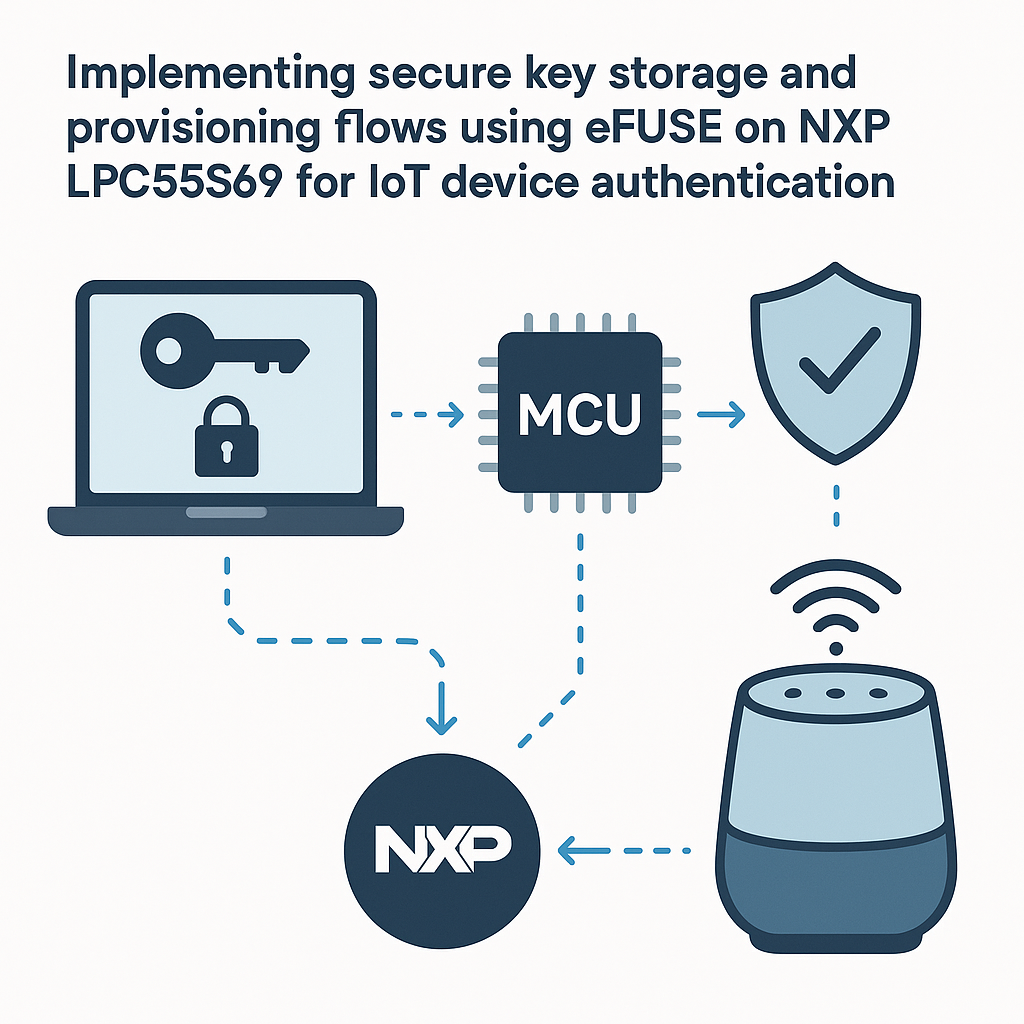
Secure Key Storage and Provisioning with eFUSE on the NXP LPC55S69
Shipping an IoT device without hardware-backed key storage is like leaving your front door unlocked and hoping nobody walks in. The NXP LPC55S69 has one-time programmable (OTP) eFUSE memory specifically designed for storing cryptographic keys, device identity data, and security configuration bits. Once burned, those fuses can't be altered—which is exactly the point.
This guide walks through the full flow: generating keys, burning them into eFUSE, reading them back at runtime, and integrating them into a device authentication scheme. We'll use MCUXpresso IDE with the LPC55S69 SDK and NXP's secure provisioning tools.
Prerequisites
- Solid understanding of asymmetric cryptography (public/private key pairs, certificate chains)
- Experience with C development on ARM Cortex-M targets
- MCUXpresso IDE v11.9+ with the LPC55S69 SDK installed
- Familiarity with NXP's Secure Provisioning Tool (SPT) and the
blhostcommand-line utility - Basic knowledge of TLS 1.3 handshake flows (helpful for the authentication integration)
Parts/Tools
- NXP LPC55S69-EVK development board
- USB-C cable for power, programming, and serial debug
- MCUXpresso IDE with LPC55S69 SDK
- NXP Secure Provisioning Tool (SPT) or
blhost - OpenSSL 3.x for key generation
Steps
- Set up your development environment:
- Install MCUXpresso IDE and import the LPC55S69 SDK. Create a new project targeting the LPC55S69-EVK.
- Install NXP's Secure Provisioning Tool. This gives you both a GUI and the
blhostCLI for interacting with the ROM bootloader, which handles eFUSE programming. - Verify your board connects properly: plug in USB, open a terminal, and run
blhost -u -- get-property 1. You should see the bootloader version come back. If not, hold the ISP button while resetting to force bootloader mode.
- Understand the eFUSE layout:
- The LPC55S69 eFUSE block contains multiple fields: ROTKH (Root of Trust Key Hash), secure boot configuration, PRINCE encryption keys, and general-purpose OTP words. Each field has a specific address and bit width.
- The critical one for device authentication is the ROTKH—a SHA-256 hash of up to four root public keys. This hash gets checked during secure boot to verify firmware signatures.
- Watch out: eFUSE writes are permanent. There's no undo. Always test your provisioning flow on multiple dev boards before you even think about production. Burning the wrong value into the secure boot config fuse can permanently brick the device.
- Generate your cryptographic keys:
- Generate an ECC P-256 key pair (preferred over RSA for constrained devices—smaller, faster):
openssl ecparam -genkey -name prime256v1 -out device_key.pem openssl ec -in device_key.pem -pubout -out device_pub.pem - For the Root of Trust, generate up to four root signing keys. The ROTKH is a hash of their public keys concatenated:
openssl ecparam -genkey -name prime256v1 -out rotk0.pem openssl ec -in rotk0.pem -pubout -out rotk0_pub.pem - Use the NXP
elftosbtool or the SPT GUI to compute the ROTKH from your public keys. The SDK includes scripts for this.
- Generate an ECC P-256 key pair (preferred over RSA for constrained devices—smaller, faster):
- Program the eFUSE:
- Put the board into ISP/bootloader mode (hold ISP button during reset).
- Use
blhostto write the ROTKH into the appropriate OTP location:
Eachblhost -u -- efuse-program-once 0x60 0xAABBCCDD blhost -u -- efuse-program-once 0x61 0x11223344 # ... continue for all 8 words of the SHA-256 hashefuse-program-oncecommand writes one 32-bit word. The addresses (0x60–0x67 for ROTKH) are documented in the LPC55S69 user manual, chapter on OTP/eFUSE. - After programming, read back the values to verify:
blhost -u -- efuse-read-once 0x60
- Implement runtime key retrieval:
- At runtime, your firmware reads eFUSE values through the FLASH controller's OTP API. The SDK provides
FLASH_ReadOTP():#include "fsl_iap.h" status_t readRotkh(uint8_t *rotkh, size_t len) { flash_config_t flashConfig; FLASH_Init(&flashConfig); status_t status = FFR_GetKeystore(&flashConfig, (ffr_keystore_t *)rotkh); if (status != kStatus_Success) { // Handle error - log it, don't just silently continue return status; } return kStatus_Success; } - Tip: never store the raw private key in eFUSE. Store a hash or use the PUF (Physically Unclonable Function) on the LPC55S69 to generate a device-unique key that's derived from silicon characteristics. The PUF key never leaves the hardware—even firmware can't extract it directly.
- At runtime, your firmware reads eFUSE values through the FLASH controller's OTP API. The SDK provides
- Integrate into your authentication flow:
- A typical IoT device authentication uses the stored key to sign a challenge from the server during a TLS 1.3 handshake or a custom challenge-response protocol:
#include "fsl_casper.h" // Hardware crypto accelerator bool authenticateWithServer(const uint8_t *challenge, size_t challengeLen, uint8_t *signature, size_t *sigLen) { // Use CASPER hardware accelerator for ECC signing CASPER_Init(CASPER); // Sign the challenge with the device private key status_t status = CASPER_ECC_SECP256R1_Sign( CASPER, challenge, challengeLen, devicePrivKey, signature, sigLen); return (status == kStatus_Success); } - The LPC55S69 has a hardware CASPER crypto accelerator that handles ECC operations significantly faster than software implementations. Use it. There's no reason to do P-256 math in software on this chip.
- A typical IoT device authentication uses the stored key to sign a challenge from the server during a TLS 1.3 handshake or a custom challenge-response protocol:
Troubleshooting
- eFUSE programming fails:
- Make sure the board is in ISP bootloader mode. The ROM bootloader is the only path to eFUSE programming—your application firmware can't write fuses directly.
- Check that you haven't already programmed that fuse location. eFUSE bits can only go from 0 to 1, never back. If you've already written a value, you can only OR additional bits in.
- Key retrieval returns unexpected values:
- Double-check the OTP address offsets against the user manual. Different LPC55S69 revisions have slightly different OTP maps.
- If using the PUF, make sure you've enrolled it first. PUF enrollment (activation code generation) must happen before you can derive keys from it.
- Authentication fails against the server:
- Verify the server has the correct public key or certificate for your device. A key mismatch is the most common cause.
- Check byte ordering. The LPC55S69 is little-endian, and your server might expect big-endian key material. Swap bytes if needed.
Where to Go from Here
With eFUSE-backed key storage in place, you have a hardware root of trust on the LPC55S69. The natural next steps are enabling secure boot (so only signed firmware runs), setting up PRINCE encryption for on-chip flash, and integrating the PUF for device-unique key derivation. NXP's AN12283 application note covers the full secure boot chain in detail—worth reading before you lock down a production device.