How to Implement IEEE 802.1AS Time Synchronization in Ethernet-TSN Networks
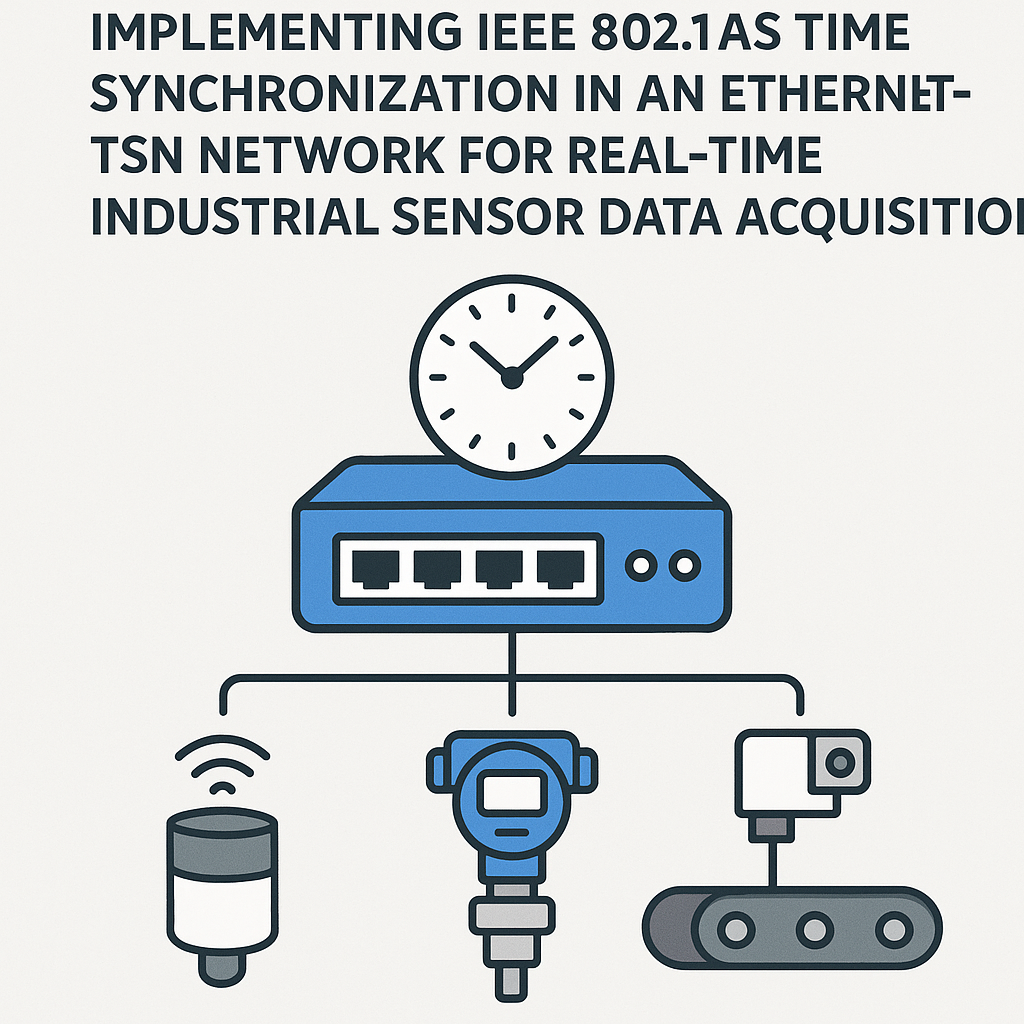
Why IEEE 802.1AS Time Synchronization Matters for Industrial TSN
When you're collecting data from dozens of industrial sensors across a factory floor, timing accuracy isn't optional. A few microseconds of drift between nodes can corrupt your data or cause dangerous control loop misalignment. IEEE 802.1AS (a profile of PTP, the Precision Time Protocol) gives you sub-microsecond synchronization across your entire Ethernet-TSN network, which is exactly what real-time sensor acquisition demands.
802.1AS is the time-sync backbone of TSN. Without it, the rest of the TSN toolkit (scheduled traffic, frame preemption, stream reservation) falls apart. So getting this right is your first job when building a TSN-based data acquisition system.
Prerequisites
- Working knowledge of Ethernet networking (VLANs, switching, basic L2 concepts)
- Familiarity with TSN concepts and the 802.1 standard family
- A network segment with TSN-capable hardware already physically connected
- Comfort with C or Python for writing PTP-related code
- Network devices that support IEEE 802.1AS (check your switch and NIC datasheets)
Parts/Tools
- TSN-capable Ethernet switch (e.g., NXP SJA1105, Microchip LAN9668, or industrial managed switches from Hirschmann/Moxa)
- Network Interface Cards with IEEE 1588 / 802.1AS hardware timestamping support
- Development machine with GCC and Python 3.x
- Network analyzer or protocol capture tool (Wireshark with PTP dissector works well)
- Access to the IEEE 802.1AS-2020 specification (the revised version supersedes the original 2011 spec)
Steps
- Set Up the Network Environment
- Connect all TSN-capable devices on the same network segment. Every link in the chain matters here: a single non-TSN switch in the path will break your time sync.
- Verify physical connections with a simple ping test across all nodes. Flaky cables or bad SFP modules will show up as jitter in your synchronization later, so catch those problems now.
- Configure the TSN Switch
- Access your switch's management interface (web UI, CLI, or NETCONF depending on the vendor).
- Enable IEEE 802.1AS on every port that participates in the time-aware domain. On most managed TSN switches, this is a per-port setting.
- Set traffic priority for PTP frames. 802.1AS messages should sit at the highest priority class to avoid queuing delays that would degrade sync accuracy.
- Watch out for: some switches require you to explicitly configure the BMCA (Best Master Clock Algorithm) role. If you know which node is your grandmaster, consider setting it to a fixed role instead of relying on automatic election during initial testing.
- Set Up Time Synchronization on NICs
- Install or update drivers that enable hardware timestamping on your NICs. Software timestamping adds jitter, so hardware support is non-negotiable for sub-microsecond accuracy.
- Start the PTP daemon using
linuxptp, which is the standard userspace PTP implementation on Linux. Use thegPTPprofile for 802.1AS compliance:
sudo ptp4l -i eth0 -f gPTP.cfg -m - Run
phc2sysalongsideptp4lto synchronize your system clock to the PTP hardware clock: - Verify operation by checking that your NIC can exchange Sync and Follow_Up messages with the switch.
ptp4lwill print offset values in the terminal -- you want to see these converge to under 1 microsecond. - Implement Time Synchronization in Your Application
- With the PTP daemon handling the heavy lifting at the OS level, your application code just needs to read synchronized timestamps. Here's a minimal Python example using a PTP library:
from ptp_lib import PTP ptp = PTP(interface='eth0') ptp.start() # Read synchronized timestamp for sensor data timestamp = ptp.get_time() print(f"Synchronized time: {timestamp}") - For C-based embedded applications, use
clock_gettime(CLOCK_REALTIME, ...)afterphc2syshas synced the system clock, or read the PTP hardware clock directly via the/dev/ptpNdevice. - Tip: always tag your sensor samples with the hardware timestamp at capture time, not the time you process them in your application. Even a few hundred microseconds of processing delay will undermine your sync accuracy.
- Test and Validate Synchronization
- Fire up Wireshark on a mirror port and filter for PTP traffic (
eth.type == 0x88f7). You should see a steady stream of Sync, Follow_Up, Pdelay_Req, and Pdelay_Resp messages. - Check the synchronization offset reported by
ptp4lacross all nodes. Offsets above 1 us usually mean something is wrong with your network path or configuration. - Collect sensor timestamps from multiple nodes simultaneously and compare them. Consistent timing across devices confirms your sync is working.
- Fire up Wireshark on a mirror port and filter for PTP traffic (
sudo phc2sys -a -rr -mTroubleshooting
- Synchronization Won't Converge
- Make sure every device in the path supports and has 802.1AS enabled. One misconfigured switch will wreck the whole domain.
- Check for network congestion eating into PTP message timing. TSN traffic shaping should give PTP frames priority, but verify this is actually configured.
- Look at the BMCA output: if two nodes are fighting to be grandmaster, you'll see the offset oscillate instead of converging. Pin the grandmaster role manually to resolve this.
- Network Configuration Errors
- Double-check your VLAN assignments. PTP traffic needs to flow on the correct VLAN with the right priority code point (PCP).
- Firewalls and ACLs can silently drop PTP multicast frames. If you're not seeing any PTP traffic on a node, this is likely the culprit.
- Device Compatibility Issues
- Not all "PTP-capable" devices support the 802.1AS gPTP profile specifically. Some only support the default E2E PTP profile, which uses different message types and won't interoperate.
- Update firmware on your switches and NICs. 802.1AS-2020 added features like multiple time domains that older firmware may not handle correctly.
Where to Go From Here
Once your 802.1AS synchronization is solid, you have the foundation for the rest of the TSN stack. Look into 802.1Qbv (time-aware scheduling) to guarantee bandwidth for your sensor data, and 802.1CB (frame replication and elimination) for redundancy in safety-critical setups. Accurate time sync is what makes all of those standards actually work.