How to Implement FreeRTOS Tasks and Message Queues on STM32F4 for Temperature Logging
Why Tasks and Queues for Temperature Logging?
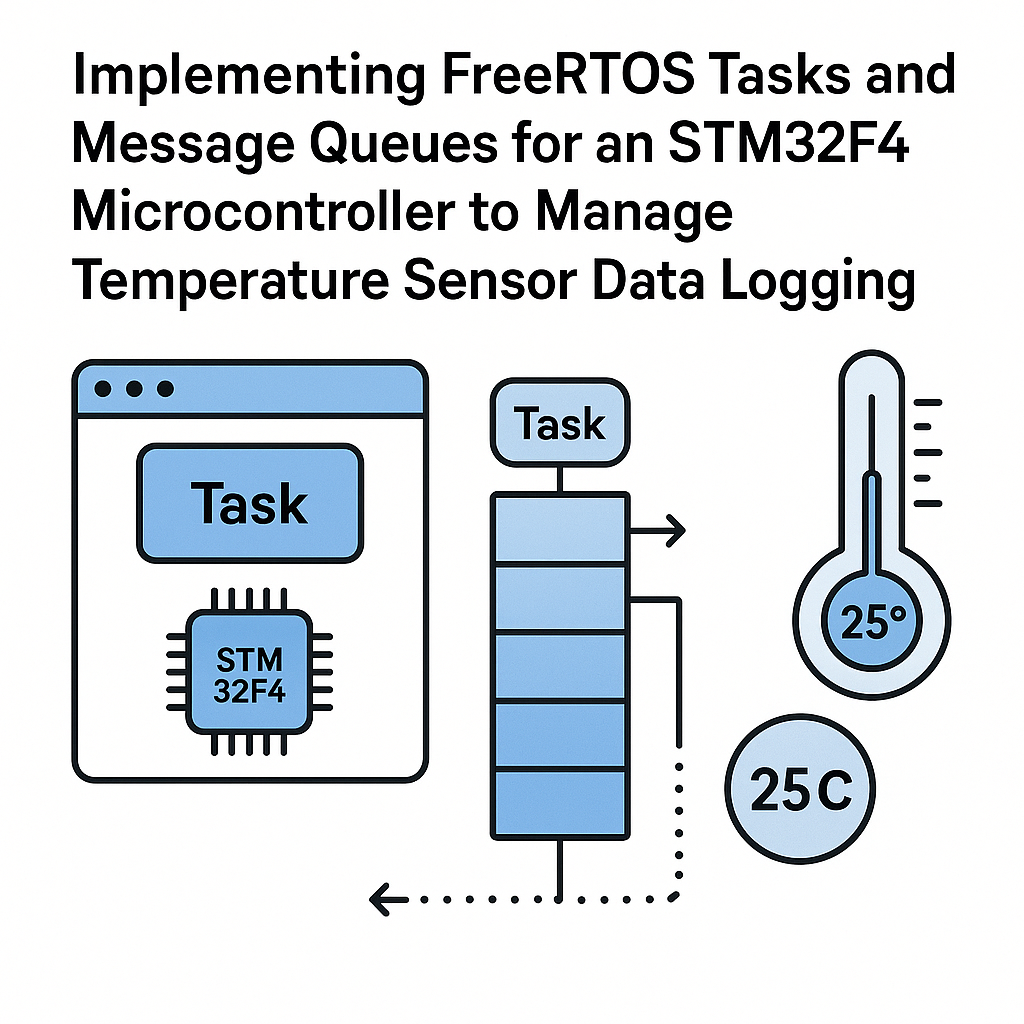
Bare-metal temperature logging sounds simple enough—read the ADC, print the value, repeat. But the moment you add a second sensor, an SD card, or a display, your single-loop approach starts falling apart. FreeRTOS tasks let you split that work into independent threads, and message queues give those threads a clean way to pass data around without shared global variables causing race conditions at 3 AM.
Here you'll wire up an LM35 to an STM32F4, create a producer task that reads temperature and a consumer task that logs it, with a queue bridging the two. The pattern scales well—once you get it working with one sensor, adding more producers is trivial.
Prerequisites
- Comfortable with C and pointers (you'll be passing addresses through queues)
- Basic STM32 peripheral knowledge (GPIO, ADC)
- Some exposure to RTOS concepts—tasks, scheduling, priorities
- STM32CubeIDE v1.16+ installed and working
Parts and Tools
- STM32F4 board (Nucleo-F401RE, F411RE, or similar)
- LM35 temperature sensor (or any analog temp sensor)
- Jumper wires
- STM32CubeIDE v1.16+
- USB cable (the Nucleo's onboard ST-Link handles programming and UART debug output)
Steps
- Create the Project in STM32CubeIDE
- Fire up STM32CubeIDE and start a new STM32 project. Select your exact Nucleo board or MCU variant. The .ioc configurator will open automatically.
- Under Middleware > RTOS, select CMSIS_V2 with FreeRTOS. The CMSIS-RTOS v2 API wraps FreeRTOS calls and is the recommended approach for STM32 projects using FreeRTOS kernel v11.x. It also makes your code more portable if you ever switch RTOS implementations.
- Configure an ADC channel for the pin connected to your LM35 output. Enable a USART peripheral for debug logging.
- Generate the code.
- Write a Simple Temperature Read Function
- The LM35 outputs 10 mV per degree Celsius. With a 3.3V reference and 12-bit ADC, the conversion is straightforward:
void Read_Temperature(float *temperature) { HAL_ADC_Start(&hadc1); HAL_ADC_PollForConversion(&hadc1, HAL_MAX_DELAY); uint32_t raw = HAL_ADC_GetValue(&hadc1); *temperature = ((float)raw / 4095.0f) * 330.0f; // LM35: 10mV per C } - Watch out: the LM35 output can be noisy. In a real project, you'd want to average multiple samples or use DMA with a moving average filter. For this demo, a single read is fine.
- Create the Message Queue
- Declare the queue handle globally so both tasks can access it:
QueueHandle_t temperatureQueue; - In your main function (before starting the scheduler), create the queue:
- A depth of 10 gives the logger task some breathing room. If the logger is busy writing to an SD card or UART, the producer can keep pushing readings without blocking immediately.
- Create the Producer Task (Temperature Reader)
- This task reads the sensor and shoves the value into the queue every second:
void TemperatureTask(void *pvParameters) { float temperature; for (;;) { Read_Temperature(&temperature); xQueueSend(temperatureQueue, &temperature, portMAX_DELAY); vTaskDelay(pdMS_TO_TICKS(1000)); } } - Using
portMAX_DELAYon the send means the task will block if the queue is full. In most logging scenarios that's fine. If you can't afford to block, use a timeout and handle the "queue full" case explicitly. - Create the Consumer Task (Logger)
- This task blocks on the queue until data arrives, then logs it:
void LoggerTask(void *pvParameters) { float temperature; char msg[64]; for (;;) { if (xQueueReceive(temperatureQueue, &temperature, portMAX_DELAY) == pdTRUE) { snprintf(msg, sizeof(msg), "Temp: %.1f C\r\n", temperature); HAL_UART_Transmit(&huart2, (uint8_t *)msg, strlen(msg), HAL_MAX_DELAY); } } } - The
xQueueReceivewithportMAX_DELAYmeans this task uses zero CPU time while waiting. That's the beauty of an RTOS—idle tasks don't burn cycles. - Register Tasks and Start the Scheduler
- In main, after creating the queue:
xTaskCreate(TemperatureTask, "TempTask", 256, NULL, 2, NULL); xTaskCreate(LoggerTask, "LogTask", 256, NULL, 1, NULL); vTaskStartScheduler(); - A few things to note here. The stack size of 256 words (1 KB on a 32-bit MCU) is enough for these simple tasks. If you start doing
printfor heavy string formatting, bump it to 512 or more. The producer runs at priority 2 and the logger at 1—sensor reads take precedence over logging, which makes sense since you don't want to miss a reading because the UART is busy. - After
vTaskStartScheduler(), main should never return. If it does, you've run out of heap for the idle task. IncreaseconfigTOTAL_HEAP_SIZEin your FreeRTOSConfig.h.
temperatureQueue = xQueueCreate(10, sizeof(float));
if (temperatureQueue == NULL) {
    // Queue creation failed - you're probably out of heap
    Error_Handler();
}
Troubleshooting
- Tasks aren't running at all: Check your stack sizes. A stack overflow will silently crash. Enable
configCHECK_FOR_STACK_OVERFLOW(set it to 2) in FreeRTOSConfig.h and implement thevApplicationStackOverflowHookcallback to catch these early. - Temperature readings are wrong or erratic: Double-check your ADC resolution setting matches the conversion math. Also verify the LM35 wiring—Vcc to 3.3V (or 5V), GND to GND, output to your ADC pin. If readings jump around, add a 100nF cap between the LM35 output and ground.
- Queue sends/receives are timing out: Make sure the queue is created before any tasks try to use it. A common mistake is creating tasks first, then the queue—the tasks can start running before the queue exists. Also confirm you're not accidentally calling
xQueueCreatewith a size of 0. - Hard fault after scheduler starts: Almost always a heap issue. Increase
configTOTAL_HEAP_SIZEor switch toheap_4.cwhich handles fragmentation better thanheap_1.c.
Where to Go From Here
You've got the producer-consumer pattern running, and that's the foundation for most real-time data pipelines on embedded systems. From here, try adding a second sensor task (humidity, pressure) that feeds the same queue—you'll see how cleanly the pattern scales. Or replace the UART logger with an SD card writer and use a binary semaphore to signal when the card is busy. The queue-based architecture keeps everything decoupled, which means you can swap out components without rewriting the whole system.