How to Implement FreeRTOS Task Scheduler on STM32F4 with GDB Debugging
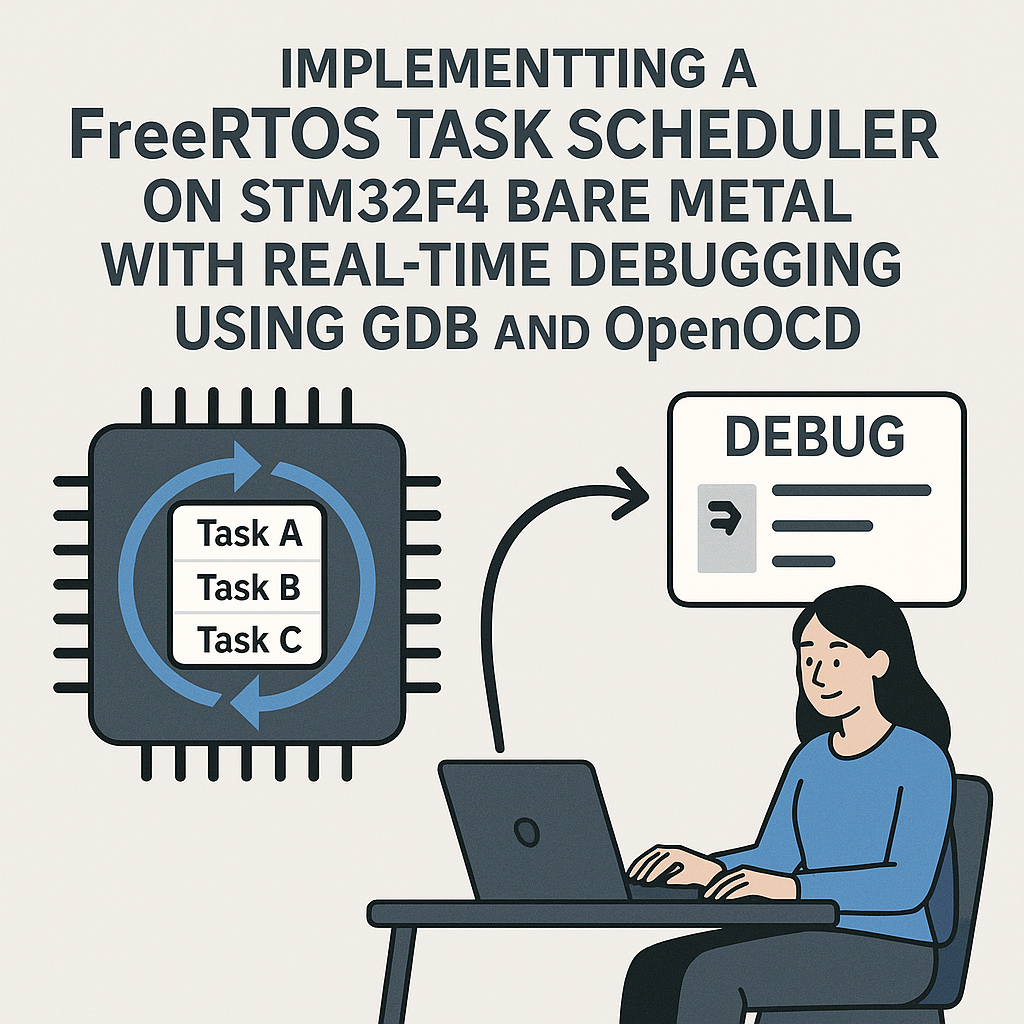
Running FreeRTOS Tasks on STM32F4 with Live GDB Debugging
If you're building anything on STM32F4 that needs to do more than one thing at once—reading sensors while handling communication while updating a display—you need an RTOS. FreeRTOS is the go-to choice, and STM32CubeIDE makes the setup remarkably painless since it bundles FreeRTOS right into its code generator.
But getting tasks running is only half the battle. When something goes wrong in a multitasking system, printf debugging usually isn't enough. You need GDB with OpenOCD to set breakpoints, inspect task states, and figure out why Task B is starving while Task A hogs the CPU. This guide covers both: setting up FreeRTOS tasks and debugging them properly.
Prerequisites
- Solid C programming skills
- STM32F4 development board (Discovery, Nucleo, or similar)
- STM32CubeIDE v1.16+ installed
- ST-Link debugger (built into most STM32 dev boards)
- Basic familiarity with RTOS concepts (tasks, priorities, scheduling)
Parts and Tools
- STM32F4 development board (e.g., STM32F407 Discovery or Nucleo-F446RE)
- ST-Link debugger (integrated or external)
- USB cable
- STM32CubeIDE v1.16+ (includes OpenOCD and GDB)
Steps
-
Create a New Project with FreeRTOS Enabled
Open STM32CubeIDE and create a new STM32 project. Select your specific F4 chip or board. In the .ioc configuration editor, go to Middleware and Software Packs > FREERTOS and set the interface to CMSIS_V2. This gives you the CMSIS-RTOS v2 API on top of FreeRTOS v11.x, which is the recommended approach for new STM32 projects.
While you're in the configurator, bump up the total heap size under FreeRTOS config if you plan to create several tasks. The default is often too small. I'd start with at least 16KB for anything beyond trivial demos.
-
Configure FreeRTOS Settings
In the .ioc FREERTOS configuration panel, you can tune the key parameters. Here's what matters most:
/* Key FreeRTOSConfig.h settings (auto-generated by CubeIDE) */
#define configUSE_PREEMPTION            1
#define configCPU_CLOCK_HZ              (168000000UL)  /* Adjust to your clock */
#define configTICK_RATE_HZ              ((TickType_t)1000)
#define configMAX_PRIORITIES            (7)
#define configMINIMAL_STACK_SIZE        ((uint16_t)128)
#define configTOTAL_HEAP_SIZE           ((size_t)(16 * 1024))
#define configUSE_MUTEXES               1
#define configUSE_RECURSIVE_MUTEXES     1
#define configUSE_TRACE_FACILITY        1
#define configUSE_STATS_FORMATTING_FUNCTIONS 1
The
configUSE_TRACE_FACILITYandconfigUSE_STATS_FORMATTING_FUNCTIONSoptions are worth enabling from the start—they let you usevTaskList()andvTaskGetRunTimeStats()to dump task states and CPU usage, which is incredibly helpful when debugging scheduling issues. -
Create Your Tasks
You can define tasks either in the .ioc GUI (under FREERTOS > Tasks and Queues) or in code. Here's how it looks in code using the CMSIS-RTOS v2 API:
#include "cmsis_os2.h"

/* Task function prototypes */
void SensorTask(void *argument);
void CommsTask(void *argument);

/* Task attributes */
const osThreadAttr_t sensorTask_attr = {
    .name = "SensorTask",
    .stack_size = 512 * 4,
    .priority = (osPriority_t) osPriorityNormal,
};

const osThreadAttr_t commsTask_attr = {
    .name = "CommsTask",
    .stack_size = 512 * 4,
    .priority = (osPriority_t) osPriorityBelowNormal,
};

void SensorTask(void *argument) {
    for (;;) {
        /* Read sensors here */
        osDelay(100);  /* 100ms cycle */
    }
}

void CommsTask(void *argument) {
    for (;;) {
        /* Handle communication here */
        osDelay(500);  /* 500ms cycle */
    }
}
In your
main(), after the auto-generated init code, create the threads and start the kernel:osKernelInitialize(); osThreadNew(SensorTask, NULL, &sensorTask_attr); osThreadNew(CommsTask, NULL, &commsTask_attr); osKernelStart();Watch out: any code you put after
osKernelStart()will never execute. The scheduler takes over and never returns. This trips people up constantly. -
Build and Flash
Hit the build button (hammer icon) in STM32CubeIDE. Fix any errors—common ones include missing includes or forgetting to enable FreeRTOS in the .ioc file. Once it compiles clean, flash it to your board using the green debug button.
-
Debug with GDB Through STM32CubeIDE
STM32CubeIDE has GDB and OpenOCD (or ST-Link GDB server) built in, so you don't need to mess with command-line setup for basic debugging. Click the debug icon, and you're connected.
For RTOS-aware debugging, there are some tricks. Set breakpoints inside your task functions to verify they're actually running. Use the "FreeRTOS Task List" view (if available in your CubeIDE version) to see all tasks, their states, and stack usage.
If you prefer command-line GDB or need more control, you can also connect manually:
# Terminal 1: Start OpenOCD
openocd -f interface/stlink.cfg -f target/stm32f4x.cfg

# Terminal 2: Connect GDB
arm-none-eabi-gdb build/your_project.elf
(gdb) target remote :3333
(gdb) monitor reset halt
(gdb) break SensorTask
(gdb) continue
Pro tip: use
monitor reset haltto restart execution from the beginning without losing your breakpoints. And if you want to inspect which task is currently running, examine thepxCurrentTCBvariable—it points to the active task control block. -
Check for Stack Overflows
Stack overflows are the #1 silent killer in FreeRTOS applications. Enable overflow detection by setting
configCHECK_FOR_STACK_OVERFLOWto 2 in your FreeRTOS config, and implement the hook:void vApplicationStackOverflowHook(xTaskHandle xTask, signed char *pcTaskName) { /* You'll hit this if a task overflows its stack */ __BKPT(0); /* Trigger a breakpoint */ }This saves hours of debugging mysterious hard faults.
Troubleshooting
- Hard fault right after scheduler starts: Almost always a stack overflow or insufficient heap. Increase
configTOTAL_HEAP_SIZEand individual task stack sizes. Enable the stack overflow hook described above. - Tasks not switching: Verify preemption is enabled and that SysTick is configured correctly. STM32CubeIDE usually handles this, but if you're manually setting up clocks, make sure SysTick is running at the expected rate.
- GDB can't connect: Check that your ST-Link drivers are current (use STM32CubeProgrammer to update firmware). If another debug session is still running, kill it first—only one GDB connection at a time.
- One task starves others: A higher-priority task that never blocks (no
osDelay(), no waiting on a queue or semaphore) will prevent lower-priority tasks from ever running. Every task must yield somehow.
Next Steps
Once you've got basic tasks running and debuggable, explore inter-task communication with queues and semaphores—that's where RTOS really starts paying off. The CMSIS-RTOS v2 API provides osMessageQueue and osSemaphore abstractions that are cleaner than the raw FreeRTOS API and more portable if you ever switch RTOS kernels. Also consider enabling run-time stats to profile your task CPU usage—it's eye-opening to see where your cycles actually go.