How to Implement eFUSE Secure Key Storage for AES Encryption on ESP32
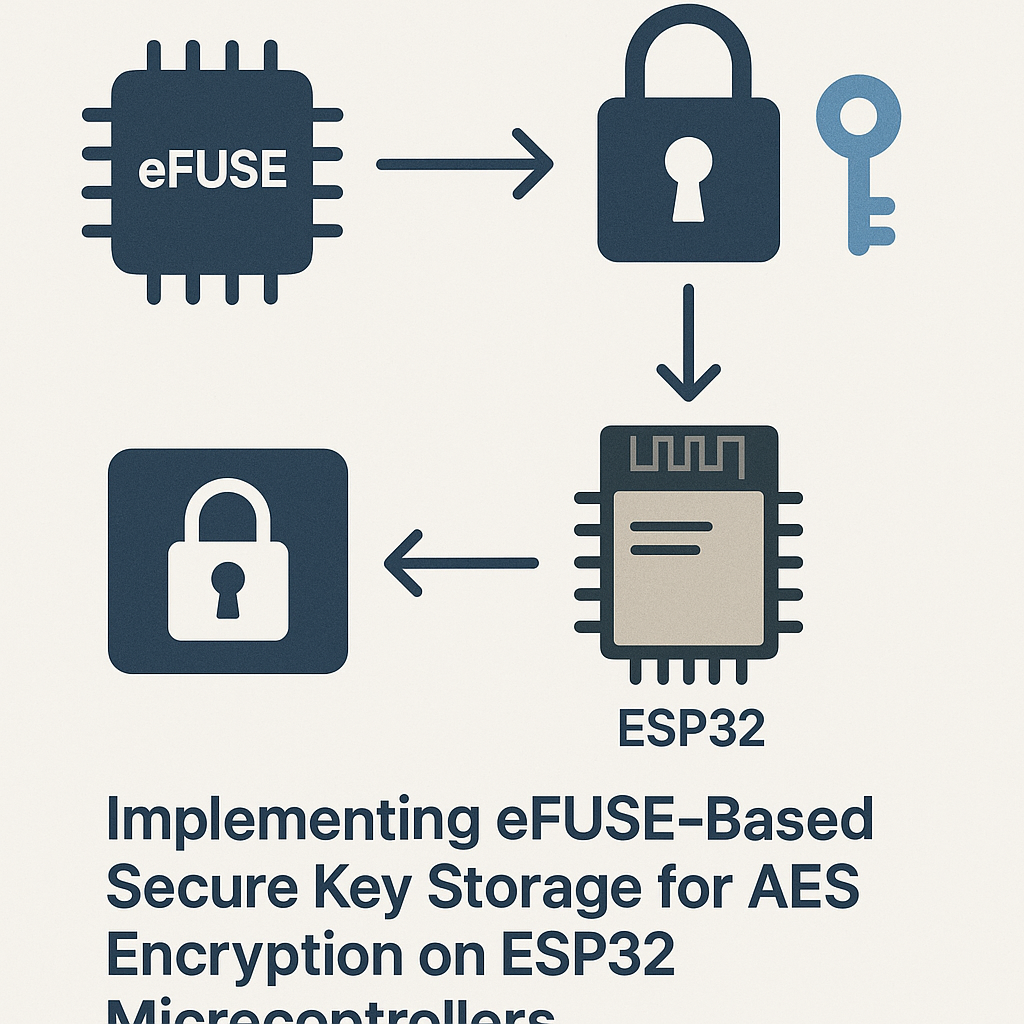
Why Store AES Keys in eFUSE on ESP32?
Hardcoding encryption keys in your firmware binary is basically putting a spare house key under the doormat. Anyone with a flash reader can dump your firmware and extract those keys in minutes. The ESP32's eFUSE block gives you a much better option: a one-time-programmable (OTP) hardware key store that the CPU can use for AES operations but that can't be read back through software once write-protected.
This guide walks you through burning an AES-128 key into the ESP32's eFUSE key block and reading it back for use with the hardware AES accelerator. We're using ESP-IDF v5.3+ here, which has a cleaner eFUSE API than older versions.
Watch out: eFUSE writes are permanent. Once you burn a key into a fuse block, there's no undo. Test your workflow on a disposable dev board first before touching production hardware.
Prerequisites
- Comfortable with C programming and basic embedded development
- ESP-IDF v5.3+ installed and configured
- Understanding of symmetric encryption basics (AES-128/256)
- A dev board you're OK with permanently modifying (eFUSE writes are irreversible)
Parts/Tools
- ESP32 development board (ESP32-DevKitC, ESP32-S3-DevKitC, or similar)
- USB cable for programming and serial monitoring
- Computer with ESP-IDF v5.3+ installed
- VS Code with the Espressif IDF extension (recommended) or any text editor
Steps
- Set up your ESP-IDF environment:
- If you haven't already, install ESP-IDF v5.3+ following the official install guide.
- Source the environment in your terminal:
On Windows, use the ESP-IDF Command Prompt instead.source $HOME/esp/esp-idf/export.sh
- Create a new project:
- Navigate to your workspace directory and scaffold a new project:
idf.py create-project efuse_key_storage - Move into the project:
cd efuse_key_storage - Set your target chip (adjust if you're using an S2, S3, etc.):
idf.py set-target esp32
- Navigate to your workspace directory and scaffold a new project:
- Write the eFUSE key storage code:
- Open
main/efuse_key_storage.cand add the required headers:
Note: In ESP-IDF v5.3+, you need#include "esp_efuse.h" #include "esp_efuse_table.h" #include "esp_system.h" #include "esp_log.h" #include <string.h>esp_efuse_table.hfor the key block definitions. - Define your AES key. In production, you'd generate this from a secure random source, not hardcode it:
static const char *TAG = "efuse_aes"; // Example key - use a proper RNG for production keys! const uint8_t aes_key[16] = { 0x00, 0x01, 0x02, 0x03, 0x04, 0x05, 0x06, 0x07, 0x08, 0x09, 0x0A, 0x0B, 0x0C, 0x0D, 0x0E, 0x0F }; - Write the key to an eFUSE key block. The ESP32 has multiple key blocks (BLOCK_KEY0 through BLOCK_KEY5 on the S3, fewer on the original ESP32). Pick one that isn't already in use:
void app_main(void)
{
    // Check if key block is already written
    if (esp_efuse_key_block_unused(EFUSE_BLK_KEY0)) {
        esp_err_t ret = esp_efuse_write_key(
            EFUSE_BLK_KEY0,
            ESP_EFUSE_KEY_PURPOSE_XTS_AES_128_KEY,
            aes_key,
            sizeof(aes_key)
        );
        if (ret != ESP_OK) {
            ESP_LOGE(TAG, "Failed to write key: %s", esp_err_to_name(ret));
            return;
        }
        ESP_LOGI(TAG, "AES key written to eFUSE successfully");
    } else {
        ESP_LOGW(TAG, "Key block already programmed - skipping write");
    }

    // Read the key back to verify
    uint8_t read_key[16];
    esp_err_t ret = esp_efuse_read_field_blob(
        ESP_EFUSE_KEY0, read_key, sizeof(read_key) * 8
    );
    if (ret == ESP_OK) {
        ESP_LOGI(TAG, "Key read back successfully");
        ESP_LOG_BUFFER_HEX(TAG, read_key, sizeof(read_key));
    } else {
        ESP_LOGE(TAG, "Failed to read key: %s", esp_err_to_name(ret));
    }
}
The
esp_efuse_key_block_unused()check is your safety net. Without it, you'll get an error trying to write to an already-programmed block, or worse, partially corrupt the key data.
- Open
- Build and flash:
- Connect your ESP32 to your computer via USB.
- Build the project:
idf.py build - Flash and open the serial monitor in one shot:
Replaceidf.py -p /dev/ttyUSB0 flash monitor/dev/ttyUSB0with your actual port (/dev/tty.usbserial-*on macOS,COM3on Windows, etc.).
Practical tip: During development, use the espefuse.py command-line tool with the --virtual flag to simulate eFUSE operations without actually burning fuses. This saves boards and sanity. Run espefuse.py -p /dev/ttyUSB0 summary to inspect the current eFUSE state of any board.
Troubleshooting
- "eFUSE block is already written" error:
- Each eFUSE key block can only be written once. If BLOCK_KEY0 is taken, try another block (KEY1 through KEY5 on ESP32-S3). Use
espefuse.py summaryto check which blocks are free.
- Each eFUSE key block can only be written once. If BLOCK_KEY0 is taken, try another block (KEY1 through KEY5 on ESP32-S3). Use
- Read returns all zeros or garbage:
- If you've set read protection on the key block, software reads will return zeros by design. That's actually the correct behavior for production — the hardware AES accelerator can still access the key, but your application code cannot dump it.
- Build errors with missing headers:
- Make sure your
CMakeLists.txtincludesesp_efusein theREQUIRESlist. The API changed between ESP-IDF v4.x and v5.x, so code from older tutorials may not compile directly.
- Make sure your
- Key purpose mismatch:
- The key purpose (e.g.,
ESP_EFUSE_KEY_PURPOSE_XTS_AES_128_KEY) must match how you intend to use the key. If you're doing flash encryption, use the XTS purpose. For generic AES, check the ESP-IDF docs for the correct enum value for your chip variant.
- The key purpose (e.g.,
What's Next
You now have an AES key stored in hardware fuses where it belongs — not sitting in plaintext in your firmware binary. From here, you can enable flash encryption so the ESP32 uses this key to decrypt firmware on boot, or pair it with secure boot to get a full chain-of-trust. Both features use the eFUSE key blocks you just learned to program.
One last thing: keep a secure backup of your keys somewhere offline. If you lose the key and your board dies, there's no recovery path. eFUSEs are permanent, but they're also tied to that specific silicon.