How to Implement and Tune a PID Controller for Buck Converter with STM32
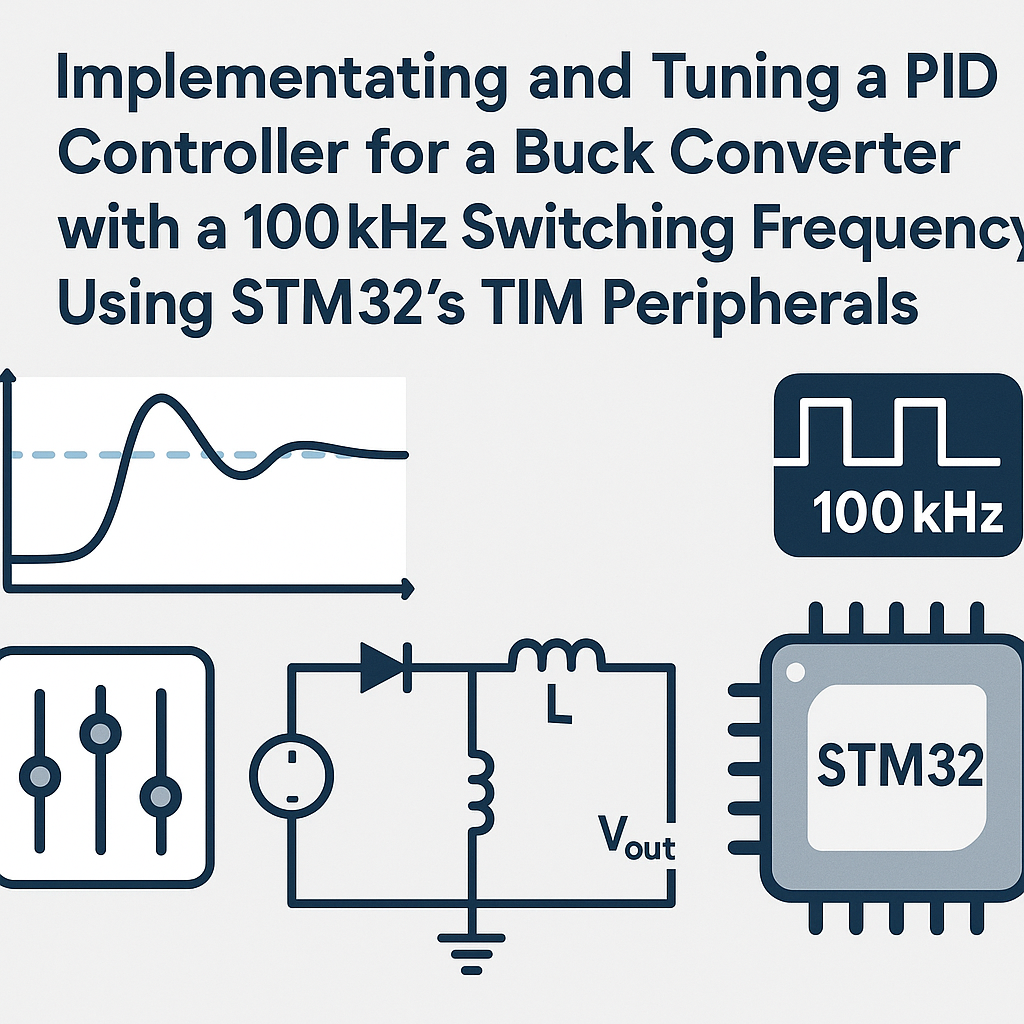
PID Control for a Buck Converter on STM32
A buck converter without closed-loop control is basically a suggestion generator for output voltage. Load changes, input ripple, and temperature drift will push your output all over the place. A PID controller fixes that by continuously adjusting the PWM duty cycle based on the difference between your desired voltage and what you're actually measuring. Here we'll wire one up on an STM32 using the TIM peripheral at 100kHz switching frequency.
Prerequisites
- Working knowledge of PID control theory (P, I, D terms and what they each do)
- Comfortable programming STM32 with the HAL library
- Understanding of how a buck converter operates (switch, diode, inductor, capacitor)
- STM32CubeIDE v1.16+ installed and configured
Parts/Tools
- STM32 microcontroller (STM32F4 series works well for this, but any with a decent timer and ADC will do)
- Buck converter circuit (your own design or a breakout board)
- Oscilloscope — you absolutely need this for tuning, not optional
- Multimeter
- Bench power supply
Steps
- Set Up Your Development Environment
- Install STM32CubeIDE v1.16+ from the STMicroelectronics website if you haven't already.
- Create a new STM32 project targeting your specific MCU. The integrated CubeMX pin configurator will open automatically.
- Configure the TIM Peripheral for 100kHz PWM
- In the CubeMX pinout view, enable a timer (TIM2 is a solid choice on F4 parts) in PWM Generation mode on the channel connected to your gate driver.
- Set the timer prescaler and auto-reload register (ARR) to produce a 100kHz PWM frequency. For example, with a 168MHz APB1 timer clock: prescaler = 0, ARR = 1679 gives you exactly 100kHz.
- Set the initial compare value to 0 (0% duty cycle at startup — you want the controller to ramp up, not blast full voltage on power-on).
- Generate code and open it in STM32CubeIDE.
- Implement the PID Controller
- Define your PID gains. These are starting values — you'll tune them later:
- Create the PID function. Watch out for integral windup — without clamping, the integral term will accumulate wildly during startup or large transients and cause massive overshoot:
#define KP 1.0f // Proportional gain #define KI 0.5f // Integral gain #define KD 0.1f // Derivative gain #define DT 0.00001f // Sample period (100kHz = 10us) #define INTEGRAL_CLAMP 500.0f // Anti-windup limitfloat PID_Controller(float setpoint, float measured_value) { static float integral = 0.0f; static float previous_error = 0.0f; float error = setpoint - measured_value; integral += error * DT; // Anti-windup clamp if (integral > INTEGRAL_CLAMP) integral = INTEGRAL_CLAMP; if (integral < -INTEGRAL_CLAMP) integral = -INTEGRAL_CLAMP; float derivative = (error - previous_error) / DT; previous_error = error; return (KP * error) + (KI * integral) + (KD * derivative); } - Read Feedback from the Buck Converter
- Configure an ADC channel to sample the output voltage through a resistor divider. Make sure your divider scales the max output voltage to under 3.3V (the STM32 ADC reference). A 12-bit ADC gives you 4096 counts across that range:
float Read_Voltage(void) {
    HAL_ADC_Start(&hadc1);
    HAL_ADC_PollForConversion(&hadc1, HAL_MAX_DELAY);
    uint32_t raw = HAL_ADC_GetValue(&hadc1);
    // Scale based on your divider ratio. Example: 2:1 divider
    float voltage = (raw / 4096.0f) * 3.3f * 2.0f;
    return voltage;
}
Tip: for a production system, trigger the ADC from the timer so sampling is synchronized with the PWM cycle. Polling in the main loop like this works for getting started but introduces timing jitter.
- Control the PWM Output
- In your main loop, tie it all together. Clamp the output to valid duty cycle values — you don't want negative compare values or values above the ARR:
int main(void) { HAL_Init(); SystemClock_Config(); MX_TIM2_Init(); MX_ADC1_Init(); HAL_TIM_PWM_Start(&htim2, TIM_CHANNEL_1); float setpoint = 5.0f; // Desired output voltage while (1) { float measured = Read_Voltage(); float control = PID_Controller(setpoint, measured); // Clamp to valid duty cycle range if (control < 0.0f) control = 0.0f; if (control > 1679.0f) control = 1679.0f; __HAL_TIM_SET_COMPARE(&htim2, TIM_CHANNEL_1, (uint32_t)control); } } - Tuning the PID Controller
Use the Ziegler-Nichols method or just manual tuning. Here's the manual approach that I've found works reliably for buck converters:
- Set KI and KD to zero. Increase KP from a low value until the output starts oscillating around the setpoint. Note this value as Ku (ultimate gain).
- Back KP off to about 60% of Ku. The output should respond quickly but still have some steady-state error.
- Slowly increase KI. This eliminates the steady-state offset. Too much KI causes overshoot and ringing — back off if you see that on the scope.
- Add a small amount of KD to tighten up the transient response. KD helps reduce overshoot, but too much amplifies noise from the ADC. If the output gets twitchy, reduce KD.
Watch out: always tune with your actual load connected. A converter that's perfectly tuned at no load can oscillate wildly under load (and vice versa). Test across your expected load range.
Troubleshooting
- Output voltage is wrong (too high or too low):
- Double-check your ADC voltage scaling math. An incorrect resistor divider ratio in software is the number one cause of this.
- Verify the PID output is actually changing the compare register — add a breakpoint or use a debugger to inspect values.
- Output is oscillating continuously:
- KP is too high. Reduce it.
- If it's a slow oscillation, KI might be too high.
- Increase KD slightly to add damping, but don't go overboard.
- Controller seems to do nothing:
- Confirm the control loop is actually running. A misconfigured ADC that never finishes conversion will block in
HAL_ADC_PollForConversionforever. - Check that
HAL_TIM_PWM_Startwas called — forgetting this is a classic gotcha. - Verify your wiring. The PWM output pin needs to physically connect to the buck converter gate driver.
- Confirm the control loop is actually running. A misconfigured ADC that never finishes conversion will block in
Where to Go from Here
This basic PID implementation will get you a working closed-loop buck converter, but there's room to improve. For production designs, consider moving the PID calculation into a timer interrupt so it runs at a fixed rate regardless of what else your code is doing. You'll also want to add soft-start logic, overcurrent protection, and possibly switch to a fixed-point implementation if you're using a Cortex-M4 without FPU (the F4 has one, so floats are fine there). If you're finding that a linear PID just can't handle your load transients well enough, look into peak current mode control or a type-III compensator — different tools for the same job.