How to Implement and Debug FreeRTOS Task Scheduler on STM32F4
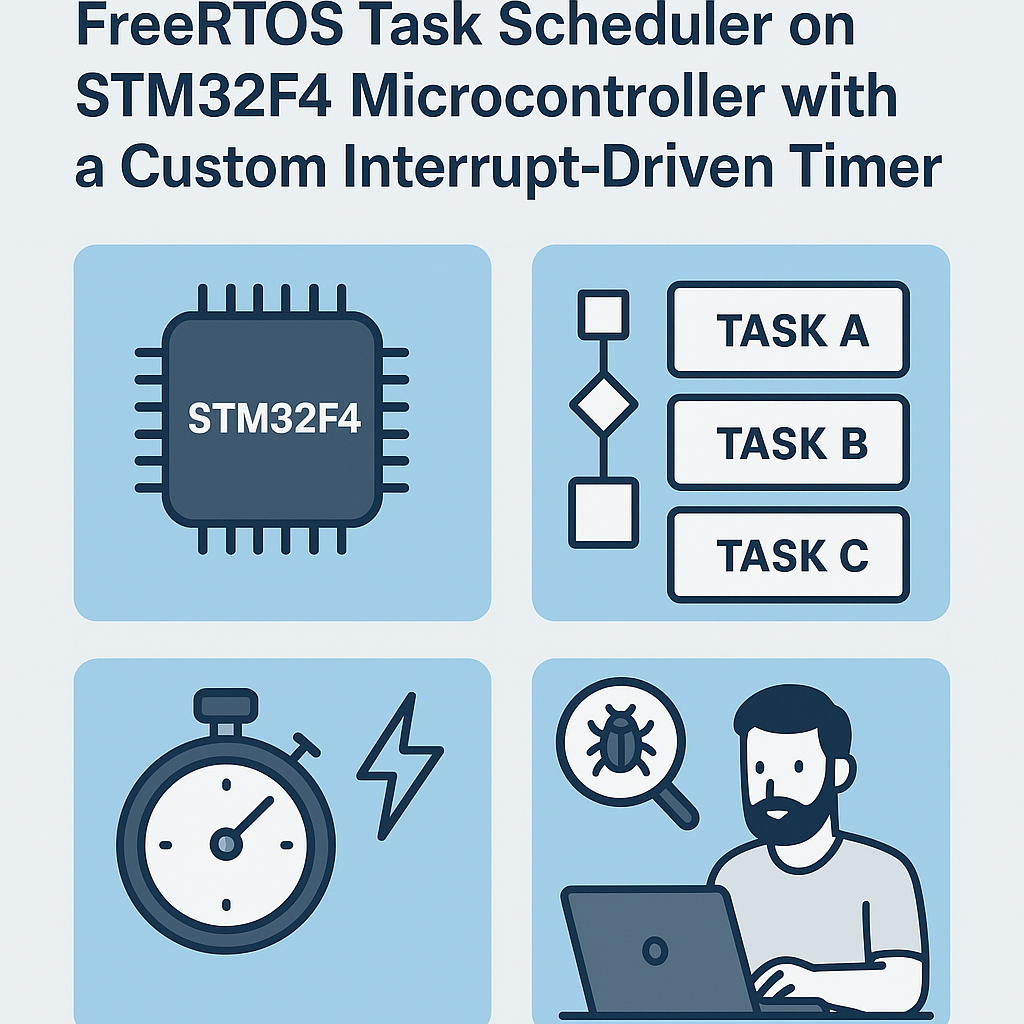
FreeRTOS Task Scheduling on STM32F4 with a Custom Timer
The default SysTick-based tick on STM32F4 works fine for most projects, but sometimes you need a dedicated hardware timer driving the FreeRTOS scheduler. Maybe SysTick is already claimed by the HAL timebase, or you want a non-standard tick rate without messing with the core system timer. Whatever the reason, wiring up a custom interrupt-driven timer as the RTOS tick source gives you full control over scheduling behavior.
This walkthrough covers setting up FreeRTOS v11.x on an STM32F4 with a TIM peripheral as the tick source, creating tasks, and debugging the whole thing when tasks inevitably refuse to run.
Prerequisites
- Comfortable writing C for embedded targets
- Working familiarity with STM32F4 peripherals (timers, NVIC)
- STM32CubeIDE v1.16+ installed
- FreeRTOS kernel v11.x source files (bundled with STM32Cube firmware or downloaded separately)
- Basic understanding of interrupt priorities and how the ARM Cortex-M NVIC works
Parts/Tools
- STM32F4 development board (Nucleo-F446RE, Discovery, or similar)
- USB cable or ST-LINK/V2 debugger
- USB-to-UART adapter if your board lacks a virtual COM port
- STM32CubeMX (integrated into STM32CubeIDE v1.16+)
Steps
- Set up the FreeRTOS environment:
- In STM32CubeIDE v1.16+, create a new STM32 project and select your F4 target. The integrated CubeMX lets you enable FreeRTOS directly under the Middleware section. Select CMSIS_V2 as the API.
- If you're pulling FreeRTOS manually, grab the kernel v11.x source from
freertos.organd add theSource/folder plus the appropriateportable/GCC/ARM_CM4F/port files to your project. - Open
FreeRTOSConfig.hand set your tick rate. For a 1ms tick at 168 MHz core clock:
Watch out:#define configCPU_CLOCK_HZ ( 168000000UL ) #define configTICK_RATE_HZ ( 1000 ) #define configMINIMAL_STACK_SIZE ( 128 ) #define configTOTAL_HEAP_SIZE ( 15 * 1024 )configTOTAL_HEAP_SIZEthat's too small is the number one reason tasks silently fail to create. Start generous, then trim.
- Configure the STM32F4 Timer:
- In the CubeMX pinout view, enable TIM2 (or any general-purpose timer).
- Set the prescaler and period to produce your desired tick frequency. For a 1 kHz tick on a 84 MHz APB1 bus: prescaler = 83, period = 999. That gives you exactly 1ms per overflow.
- Enable the TIM2 global interrupt in the NVIC settings. Set its priority to
configLIBRARY_MAX_SYSCALL_INTERRUPT_PRIORITYor lower (higher numerical value). FreeRTOS will fault if you call API functions from an interrupt with too-high priority. - Since you're using TIM2 as the tick source instead of SysTick, set
configOVERRIDE_DEFAULT_TICK_CONFIGURATIONto 1 inFreeRTOSConfig.hand provide an emptyvPortSetupTimerInterrupt()so the kernel doesn't reconfigure SysTick.
- Implement the Timer Interrupt Handler:
- Locate
TIM2_IRQHandler()in your interrupt vector file (usuallystm32f4xx_it.c). - Call the FreeRTOS tick handler from inside it:
The scheduler-state check prevents a hard fault if the timer fires beforevoid TIM2_IRQHandler(void) { HAL_TIM_IRQHandler(&htim2); if (xTaskGetSchedulerState() != taskSCHEDULER_NOT_STARTED) { xPortSysTickHandler(); } }vTaskStartScheduler()runs. I've been bitten by this more than once on fast timer configs.
- Locate
- Create FreeRTOS Tasks:
- Define task functions. Keep the infinite loop and add a delay so you don't starve lower-priority tasks:
void vTask1(void *pvParameters) { for (;;) { HAL_GPIO_TogglePin(GPIOA, GPIO_PIN_5); // Toggle LED vTaskDelay(pdMS_TO_TICKS(500)); } } void vTask2(void *pvParameters) { for (;;) { // Your sensor read or comms logic vTaskDelay(pdMS_TO_TICKS(100)); } } - In
main(), after peripheral init but before the scheduler starts:
Tip: always add that infinite loop afterHAL_TIM_Base_Start_IT(&htim2); // Start your tick timer xTaskCreate(vTask1, "LED", 256, NULL, 1, NULL); xTaskCreate(vTask2, "Sensor", 512, NULL, 2, NULL); vTaskStartScheduler(); // Never returns if successful // If you get here, heap was too small for (;;) {}vTaskStartScheduler(). If the scheduler returns, it means task creation failed (almost always a heap issue), and you want to catch that in the debugger rather than running off into undefined behavior.
- Define task functions. Keep the infinite loop and add a delay so you don't starve lower-priority tasks:
- Debugging the Application:
- Build and flash via ST-LINK. Set breakpoints inside each task and inside
TIM2_IRQHandler. - Open the SWV (Serial Wire Viewer) trace if your board supports it. You can monitor task switches in real-time without stopping execution.
- Enable stack overflow detection during development by setting
configCHECK_FOR_STACK_OVERFLOWto 2 inFreeRTOSConfig.hand implementing the hook:void vApplicationStackOverflowHook(TaskHandle_t xTask, char *pcTaskName) { // Breakpoint here or log the offending task name __BKPT(0); } - Use the FreeRTOS-aware debugging plugin in STM32CubeIDE (Window > Show View > FreeRTOS). It shows you task states, stack high-water marks, and queue status. Incredibly useful for tracking down scheduling problems.
- Build and flash via ST-LINK. Set breakpoints inside each task and inside
Troubleshooting
- Task never executes: Check the return value of
xTaskCreate(). If it returnserrCOULD_NOT_ALLOCATE_REQUIRED_MEMORY, bump upconfigTOTAL_HEAP_SIZE. Also verify you actually calledvTaskStartScheduler(). - Timer interrupt not firing: Confirm you called
HAL_TIM_Base_Start_IT()(not justHAL_TIM_Base_Start()). Check NVIC enable. Verify the prescaler/period math against your actual APB clock, not just the core clock. - Hard fault on scheduler start: Almost always an interrupt priority issue. FreeRTOS on Cortex-M4 requires that any interrupt calling RTOS API functions uses priority values at or below
configMAX_SYSCALL_INTERRUPT_PRIORITY. The NVIC uses inverted numbering (lower number = higher priority), which trips people up constantly. - Tasks seem to hang or behave erratically: Check stack high-water marks with
uxTaskGetStackHighWaterMark(). If the watermark is near zero, you're about to overflow. Increase the task stack size.
What's Next
You now have a working FreeRTOS scheduler driven by a dedicated hardware timer on the STM32F4. From here, start adding inter-task communication with queues and semaphores, and look into software timers if you need periodic callbacks without dedicating a full task. The FreeRTOS-aware debugger view in STM32CubeIDE v1.16+ is your best friend as your application grows—get comfortable with it early.