How to Implement AES-256 Encryption with STM32 for Secure MQTT Communication
Why Encrypt MQTT on STM32?
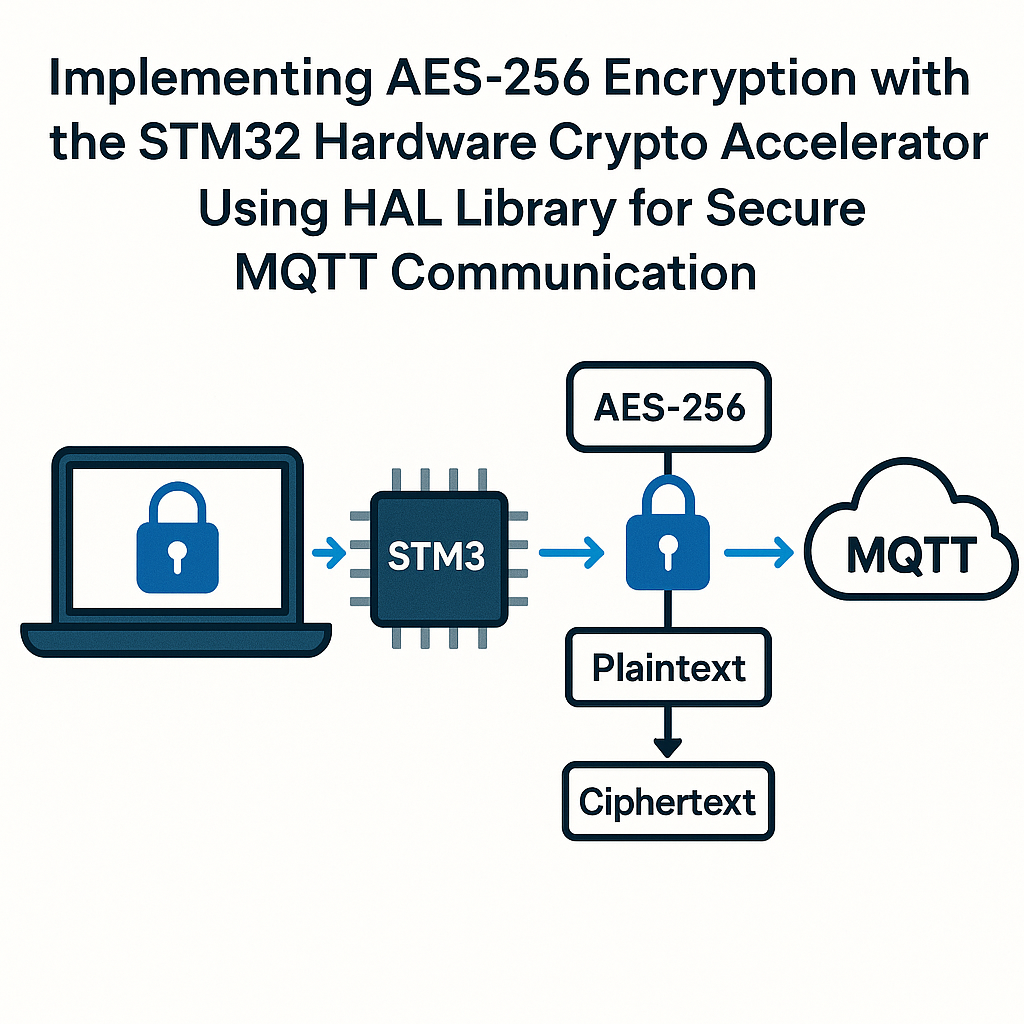
MQTT by itself sends everything in plaintext. If your IoT device is publishing sensor data or receiving commands over a network, anyone with a packet sniffer can read (or worse, modify) those messages. AES-256 encryption at the application layer gives you a strong defense, and several STM32 families have a built-in hardware crypto accelerator that handles AES without burning CPU cycles. This guide walks you through using the STM32 HAL crypto peripheral to encrypt MQTT payloads with AES-256-CBC before publishing them.
A quick note on architecture: this approach encrypts the MQTT payload at the application layer. For full transport-layer security, you'd use TLS (ideally TLS 1.3) on the connection itself. Application-layer encryption is useful when you can't run a full TLS stack, or when you want end-to-end encryption that the broker can't read. Both approaches have their place.
Prerequisites
- Working knowledge of C and STM32 HAL development
- An STM32 with a hardware crypto peripheral (STM32F4, STM32F7, STM32L4+, STM32H7, etc.)
- STM32CubeIDE v1.16+ installed
- An MQTT broker for testing (Mosquitto, HiveMQ, or EMQX)
- An MQTT client tool for verifying messages (MQTT Explorer works well)
Parts/Tools
- STM32 development board with crypto accelerator
- USB cable for programming and serial debug
- Network connectivity (Ethernet module, Wi-Fi module, or USB-to-serial bridge to a host running the MQTT client)
- MQTT Explorer or similar tool for testing on your PC
Steps
-
Create the STM32CubeIDE project and enable the crypto peripheral
Open STM32CubeIDE and create a new project for your MCU. In the .ioc pinout/configuration view, go to Security > CRYP (or AES on some families) and enable it. Set the data type to 8-bit. While you're in the .ioc file, also enable whatever UART or network peripheral you're using for MQTT communication. Generate the code.
Watch out: not every STM32 chip has a hardware crypto accelerator. The STM32F405/407/417/427/437/439, F7 series, L4+ series, and H7 series do. If your chip doesn't have one, you'll need a software AES library like mbedTLS (which is bundled in the STM32 Cube firmware packages as a middleware option).
-
Set up the CRYP handle
STM32CubeIDE auto-generates the initialization code when you enable CRYP in the .ioc file. But you should understand what's happening under the hood. The key configuration looks like this:
#include "stm32f4xx_hal.h"
#include "stm32f4xx_hal_cryp.h"

extern CRYP_HandleTypeDef hcryp;

// In your MX_CRYP_Init() (auto-generated):
hcryp.Instance = CRYP;
hcryp.Init.DataType = CRYP_DATATYPE_8B;
hcryp.Init.KeySize = CRYP_KEYSIZE_256B;
hcryp.Init.Algorithm = CRYP_AES_CBC;
If you want to use AES-GCM instead of CBC (and I'd recommend it — GCM gives you authenticated encryption so you can detect tampering), change the algorithm to
CRYP_AES_GCM. GCM is supported on F7 and H7 series. -
Define your key and IV
Your 256-bit key is 32 bytes. The initialization vector (IV) for CBC mode is 16 bytes. In production, never hardcode keys. Store them in the STM32's option bytes, use a secure element, or provision them over a secure channel. For development and testing though:
uint8_t aes_key[32] = {
    0x60, 0x3d, 0xeb, 0x10, 0x15, 0xca, 0x71, 0xbe,
    0x2b, 0x73, 0xae, 0xf0, 0x85, 0x7d, 0x77, 0x81,
    0x1f, 0x35, 0x2c, 0x07, 0x3b, 0x61, 0x08, 0xd7,
    0x2d, 0x98, 0x10, 0xa3, 0x09, 0x14, 0xdf, 0xf4
};

uint8_t aes_iv[16] = {
    0x00, 0x01, 0x02, 0x03, 0x04, 0x05, 0x06, 0x07,
    0x08, 0x09, 0x0a, 0x0b, 0x0c, 0x0d, 0x0e, 0x0f
};
For CBC mode, you must use a unique IV for every encryption operation. Reusing an IV with the same key leaks information about your plaintext. A common approach is to use a counter or a random number generator (the STM32 RNG peripheral is handy here) and prepend the IV to the ciphertext so the receiver knows what to use for decryption.
-
Encrypt the MQTT payload
AES-CBC operates on 16-byte blocks, so you need to pad your plaintext to a multiple of 16. PKCS#7 padding is the standard choice. Here's encryption with the HAL:
uint8_t plaintext[32]; // Must be multiple of 16
uint8_t ciphertext[32];

// Copy your message into plaintext and apply PKCS#7 padding
memset(plaintext, 0, sizeof(plaintext));
const char *msg = "Hello, secure MQTT!";
size_t msg_len = strlen(msg);
memcpy(plaintext, msg, msg_len);

// PKCS#7 pad
uint8_t pad_val = 16 - (msg_len % 16);
for (size_t i = msg_len; i < msg_len + pad_val; i++) {
    plaintext[i] = pad_val;
}
size_t padded_len = msg_len + pad_val;

// Encrypt
if (HAL_CRYP_Encrypt(&hcryp, (uint32_t *)plaintext,
                      padded_len, (uint32_t *)ciphertext,
                      HAL_MAX_DELAY) != HAL_OK) {
    Error_Handler();
}
The HAL_CRYP_Encrypt function uses the key and IV you configured during initialization. On newer HAL versions (STM32CubeF4 v1.28+), you may need to call
HAL_CRYP_Init()again if you change the IV between encryptions. -
Publish the encrypted payload over MQTT
How you send MQTT from the STM32 depends on your connectivity setup. If you're using an Ethernet or Wi-Fi module with a lightweight MQTT library (like coreMQTT from FreeRTOS, or the Paho Embedded C client), publishing looks something like this:
MQTTPublishInfo_t publishInfo;
publishInfo.pTopicName = "device/sensor/encrypted";
publishInfo.topicNameLength = strlen(publishInfo.pTopicName);
publishInfo.pPayload = ciphertext;
publishInfo.payloadLength = padded_len;
publishInfo.qos = MQTTQoS1;

MQTT_Publish(&mqttContext, &publishInfo, packetId++);
On the receiving end, the subscriber needs the same AES key and IV to decrypt. You'll typically prepend the IV to the ciphertext (so the first 16 bytes of the payload are the IV, the rest is ciphertext), which lets you use a fresh random IV every time without any out-of-band key exchange for the IV itself.
Troubleshooting
- HAL_CRYP_Encrypt returns HAL_ERROR: Check that the CRYP peripheral clock is enabled (it should be if you used CubeMX). Verify your key is exactly 32 bytes and your plaintext length is a multiple of 16 bytes for CBC mode.
- Decryption on the other end produces garbage: The most common cause is an IV mismatch. Make sure the receiver uses the exact same IV that was used for encryption. Also check byte order — STM32 HAL sometimes expects 32-bit word arrays, not byte arrays, depending on the DataType setting.
- MQTT connection works but encrypted messages look wrong: Binary ciphertext can contain null bytes and other non-printable characters. Make sure your MQTT library handles binary payloads correctly (pass the length explicitly, don't rely on strlen).
- Performance concerns: The hardware accelerator handles AES-256 in just a few microseconds per block. If you're seeing slowness, the bottleneck is almost certainly the network layer, not the encryption.
Security Considerations
Application-layer AES encryption protects the payload, but it doesn't protect the MQTT headers, topic names, or connection metadata. For full transport security, use TLS 1.3 on the MQTT connection itself (port 8883). If your STM32 can run mbedTLS or wolfSSL, do both: TLS for the transport and AES for the payload. That way even the broker can't read your sensor data.
Also, key management is the hard part. Hardcoded keys are fine for prototyping but completely unacceptable in production. Look into secure provisioning, hardware secure elements (like the STSAFE-A110), or at minimum storing keys in the STM32's flash option bytes with readout protection enabled.