How to Implement a Zephyr Wi-Fi Logging Subsystem with JSON and MQTT
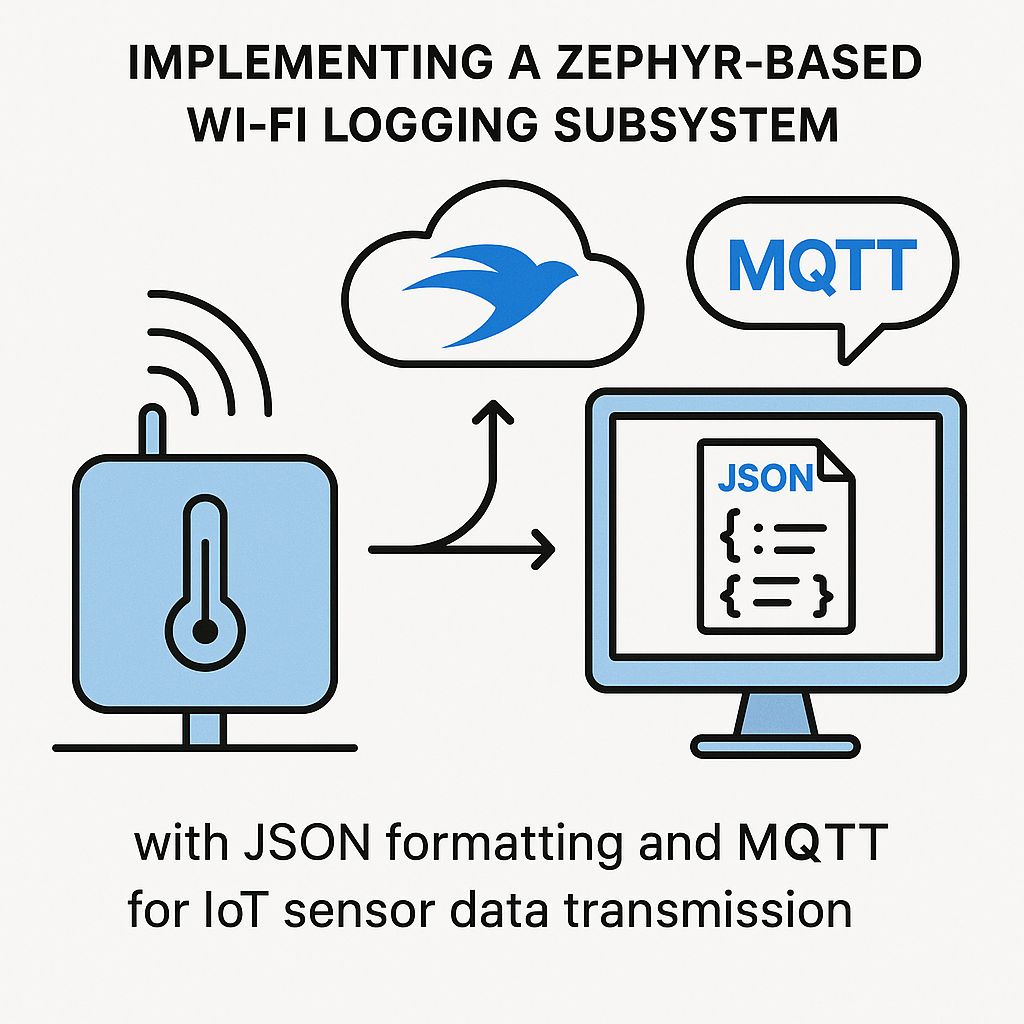
Zephyr-based Wi-Fi Logging Subsystem with JSON and MQTT for IoT Sensor Data
When your IoT device needs to push structured sensor data to the cloud over Wi-Fi, you need three things working together: a reliable network stack, a standard data format, and a lightweight transport protocol. Zephyr RTOS v3.7+ gives you all three out of the box with its built-in Wi-Fi drivers, JSON library, and MQTT client.
This project builds a logging subsystem that reads sensor data, formats it as JSON, and publishes it to an MQTT broker over Wi-Fi. The approach scales well because you can add new sensor fields to the JSON payload without touching the transport layer.
Prerequisites
- Solid C programming skills and some embedded systems background
- Familiarity with Zephyr RTOS concepts (device tree, Kconfig, west build system)
- An MQTT broker running on your network (Mosquitto is the easiest to set up locally)
- A Wi-Fi-capable board supported by Zephyr (ESP32 series, nRF7002 DK, etc.)
- Zephyr development environment set up with west and the Zephyr SDK
Parts/Tools
- Development board with Wi-Fi support (ESP32-S3, nRF7002 DK, or similar Zephyr-supported board)
- USB cable for programming and serial output
- Power supply for the board (USB power is usually fine for development)
- MQTT client for testing (MQTT Explorer is great for visual debugging)
- Zephyr SDK v0.16+ installed
Steps
-
Set Up Your Development Environment
- If you haven't already, follow the Zephyr Getting Started Guide to install west and the SDK. The Zephyr v3.7+ toolchain has improved significantly on the Wi-Fi and networking side, so make sure you're on a recent version.
- Initialize a new west workspace or use an existing one:
west init ~/zephyrproject
cd ~/zephyrproject
west update
-
Create a New Zephyr Application
- Create your application directory outside the Zephyr tree (this is the recommended approach for out-of-tree apps):
mkdir -p ~/my_wifi_logging_app/src - Create your CMakeLists.txt. Note: the old
boilerplate.cmakeinclude is deprecated in Zephyr v3.x+. Use this modern format:cmake_minimum_required(VERSION 3.20.0) find_package(Zephyr REQUIRED HINTS $ENV{ZEPHYR_BASE}) project(my_wifi_logging_app) target_sources(app PRIVATE src/main.c) - Create a
prj.conffile to enable the subsystems you need. This is where the real configuration happens in Zephyr:CONFIG_WIFI=y CONFIG_WIFI_NM=y CONFIG_NET_L2_WIFI_MGMT=y CONFIG_NETWORKING=y CONFIG_NET_TCP=y CONFIG_NET_SOCKETS=y CONFIG_MQTT_LIB=y CONFIG_JSON_LIBRARY=y CONFIG_NET_DHCPV4=y
- Create your application directory outside the Zephyr tree (this is the recommended approach for out-of-tree apps):
-
Write the Main Application Logic
- Create
src/main.cand include the headers you need:#include <zephyr/kernel.h> #include <zephyr/net/wifi_mgmt.h> #include <zephyr/net/mqtt.h> #include <zephyr/data/json.h> #define WIFI_SSID "your_ssid" #define WIFI_PASS "your_password" #define MQTT_BROKER "192.168.1.100" #define MQTT_PORT 1883 #define MQTT_TOPIC "sensor/data" - Tip: hardcoding credentials works for prototyping, but for anything beyond that, use Kconfig options or a separate config header that's in your .gitignore. Accidentally pushing Wi-Fi passwords to a repo is a rite of passage, but let's skip it.
- Create
-
Establish Wi-Fi Connection
- Zephyr's Wi-Fi management API uses a callback-based pattern. You request a connection and wait for an event:
static struct net_mgmt_event_callback wifi_cb; void wifi_event_handler(struct net_mgmt_event_callback *cb, uint32_t mgmt_event, struct net_if *iface) { if (mgmt_event == NET_EVENT_WIFI_CONNECT_RESULT) { LOG_INF("Wi-Fi connected"); } } void connect_wifi(void) { struct wifi_connect_req_params params = { .ssid = WIFI_SSID, .ssid_length = strlen(WIFI_SSID), .psk = WIFI_PASS, .psk_length = strlen(WIFI_PASS), .channel = WIFI_CHANNEL_ANY, .security = WIFI_SECURITY_TYPE_PSK, }; struct net_if *iface = net_if_get_default(); net_mgmt(NET_REQUEST_WIFI_CONNECT, iface, ¶ms, sizeof(params)); } - Watch out: Wi-Fi connection in Zephyr is asynchronous. Don't try to open MQTT connections until the Wi-Fi connect event fires and DHCP assigns you an IP. Use a semaphore to synchronize if needed.
- Zephyr's Wi-Fi management API uses a callback-based pattern. You request a connection and wait for an event:
-
Set Up the MQTT Client
- Zephyr's MQTT library handles the protocol details, but you need to set up buffers and the client struct:
static uint8_t rx_buffer[256]; static uint8_t tx_buffer[256]; static struct mqtt_client client; void mqtt_init(void) { mqtt_client_init(&client); struct sockaddr_in *broker = &client.broker; broker->sin_family = AF_INET; broker->sin_port = htons(MQTT_PORT); net_addr_pton(AF_INET, MQTT_BROKER, &broker->sin_addr); client.rx_buf = rx_buffer; client.rx_buf_size = sizeof(rx_buffer); client.tx_buf = tx_buffer; client.tx_buf_size = sizeof(tx_buffer); mqtt_connect(&client); } - The buffer sizes here (256 bytes each) are fine for small JSON payloads. If you're sending larger messages, bump these up. Running out of TX buffer space causes silent publish failures that are annoying to debug.
- Zephyr's MQTT library handles the protocol details, but you need to set up buffers and the client struct:
-
Format Sensor Data as JSON and Publish
- Zephyr's built-in JSON library works with struct descriptors, which is more type-safe than string concatenation but takes a bit more setup. For quick prototyping, snprintf works too:
void publish_sensor_data(float temperature, float humidity) { char json_buf[128]; int len = snprintf(json_buf, sizeof(json_buf), "{\"temperature\":%.2f,\"humidity\":%.2f}", temperature, humidity); struct mqtt_publish_param param = { .message.topic.qos = MQTT_QOS_1_AT_LEAST_ONCE, .message.topic.topic.utf8 = MQTT_TOPIC, .message.topic.topic.size = strlen(MQTT_TOPIC), .message.payload.data = json_buf, .message.payload.len = len, .message_id = sys_rand32_get(), }; mqtt_publish(&client, ¶m); } - Using QoS 1 ensures the broker acknowledges receipt. QoS 0 (fire-and-forget) is faster but you won't know if messages are getting lost. For sensor logging where occasional dropped readings are acceptable, QoS 0 is fine. For anything where data integrity matters, use QoS 1.
- Zephyr's built-in JSON library works with struct descriptors, which is more type-safe than string concatenation but takes a bit more setup. For quick prototyping, snprintf works too:
-
Build and Flash
- Build for your target board. Replace
<your_board>with the actual board name (e.g.,esp32s3_devkitm):west build -b <your_board> ~/my_wifi_logging_app - Flash to the board:
west flash - Open a serial terminal to see log output:
or use your preferred serial terminal at 115200 baud.west espressif monitor
- Build for your target board. Replace
Troubleshooting
- If Wi-Fi connection fails, check that your SSID and password are correct and that the board's Wi-Fi driver is properly enabled in your board's device tree overlay. Some boards need additional Kconfig options for their specific Wi-Fi chip.
- For MQTT connection issues, verify the broker IP is reachable by checking the Zephyr network shell (enable
CONFIG_NET_SHELL=yto get ping and ifconfig commands). - If builds fail with missing symbols, you're probably missing a Kconfig option. Zephyr's dependency system is deep. Run
west build -t menuconfigto explore available options and their dependencies. - Use MQTT Explorer on your PC to subscribe to the topic and confirm messages are arriving with valid JSON. Malformed JSON usually means your snprintf buffer is too small.
What You Built
You now have a Zephyr-based Wi-Fi logging subsystem that formats sensor data as JSON and ships it over MQTT. The architecture is clean: sensor reading, data formatting, and network transport are separated, so you can swap any layer independently. From here, you could add TLS 1.3 encryption to the MQTT connection (Zephyr supports this with mbedTLS), integrate more sensors by extending the JSON payload, or connect to a cloud IoT platform like AWS IoT Core or Azure IoT Hub that accepts MQTT directly.