How to Implement 16-Bit RGB Pixel Rendering on TFT Display with STM32 SPI
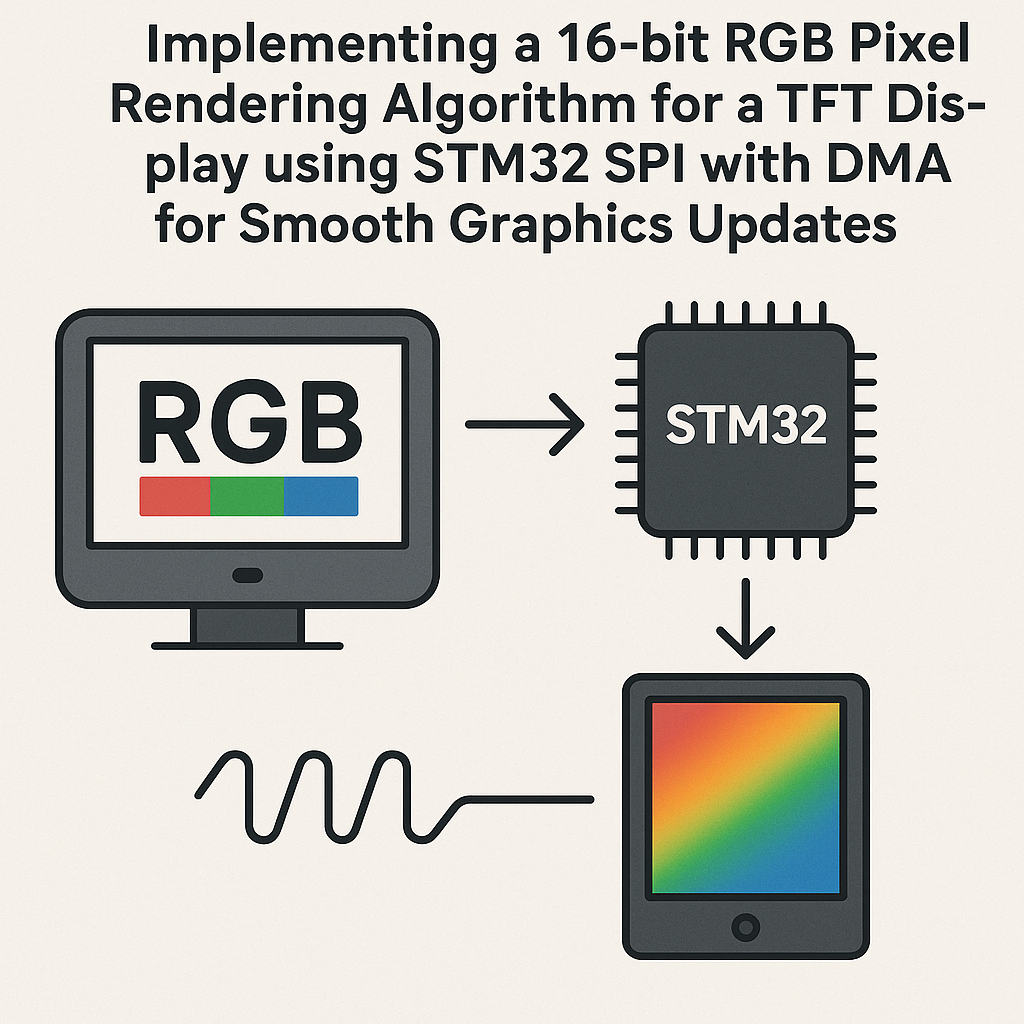
RGB565 and Why It Matters for TFT Displays
Most small TFT displays (ILI9341, ST7735, ST7789—the usual suspects) operate in 16-bit color mode called RGB565. That’s 5 bits red, 6 bits green, 5 bits blue packed into a single uint16_t. Green gets the extra bit because human eyes are most sensitive to green. It’s a good tradeoff: 65,536 colors in just two bytes per pixel, which keeps memory and bandwidth manageable on a microcontroller.
The challenge is getting those pixels to the display fast enough. Pushing a 128×160 framebuffer over SPI one byte at a time with blocking calls is painfully slow. DMA fixes this—you hand the buffer to the SPI peripheral and it streams out automatically while your code does something else.
Prerequisites
- STM32 programming experience with HAL and CubeMX
- C programming skills
- STM32 development board (F4, F7, or H7 series recommended for speed)
- SPI-based TFT display (ST7735, ILI9341, or similar)
- STM32CubeIDE v1.16+
Parts and Tools
- STM32 dev board (Nucleo or Discovery)
- TFT display module with SPI interface
- Jumper wires
- 3.3V-compatible wiring (most TFT modules are 3.3V; double-check yours)
Steps
- Wiring the Display
Get the physical connections right first. Standard SPI TFT hookup:
- SCK → SPI clock pin (e.g., PA5 on SPI1)
- MOSI → SPI MOSI pin (e.g., PA7 on SPI1)
- CS → Any GPIO pin (chip select, directly controlled by your code)
- DC/RS → Any GPIO pin (data/command selector—low for commands, high for pixel data)
- RST → Any GPIO pin (or tie to the board’s reset line)
- MISO → Usually not needed for display-only operation, but connect it if you want to read the display ID for debugging
Watch out: some cheap TFT modules label the pins differently. “SDA” usually means MOSI, “SCL” means SCK. Check the datasheet for your specific module.
- SPI and DMA Configuration in CubeMX
Open the .ioc file and configure SPI1 (or whichever SPI bus you’re using):
- Mode: Transmit Only Master (no need for full-duplex unless you’re reading back from the display)
- Data Size: 8 bits (we’ll send 16-bit pixels as two bytes)
- Baud Rate Prescaler: Start with something conservative like /4 or /8 and push faster once things work. Most ILI9341 displays handle up to ~40 MHz SPI clock.
- CPOL/CPHA: Typically Low/1 Edge (Mode 0) for most TFT controllers. Check your display’s datasheet.
Under DMA Settings, add SPI1_TX. Set direction to Memory to Peripheral, memory data width to Byte, and enable memory increment. Leave peripheral data width at Byte and peripheral increment disabled.
- The RGB565 Conversion Macro
This packs 8-bit R, G, B values into a 16-bit RGB565 word:
#define RGB565(r, g, b) ((uint16_t)(((r & 0xF8) << 8) | ((g & 0xFC) << 3) | ((b & 0xF8) >> 3)))The bit masking drops the lower bits of each color channel. You lose some precision, but that’s the tradeoff at 16 bits. For convenience, define your common colors up front:
#define COLOR_RED RGB565(255, 0, 0) #define COLOR_GREEN RGB565(0, 255, 0) #define COLOR_BLUE RGB565(0, 0, 255) #define COLOR_WHITE RGB565(255, 255, 255) #define COLOR_BLACK RGB565(0, 0, 0) - Display Command and Data Helpers
You need low-level functions to send commands vs. pixel data. The DC pin tells the display which is which:
static void LCD_SendCommand(uint8_t cmd) { HAL_GPIO_WritePin(DC_GPIO_Port, DC_Pin, GPIO_PIN_RESET); // DC low = command HAL_GPIO_WritePin(CS_GPIO_Port, CS_Pin, GPIO_PIN_RESET); // CS low HAL_SPI_Transmit(&hspi1, &cmd, 1, HAL_MAX_DELAY); HAL_GPIO_WritePin(CS_GPIO_Port, CS_Pin, GPIO_PIN_SET); // CS high } static void LCD_SendData(uint8_t *data, size_t len) { HAL_GPIO_WritePin(DC_GPIO_Port, DC_Pin, GPIO_PIN_SET); // DC high = data HAL_GPIO_WritePin(CS_GPIO_Port, CS_Pin, GPIO_PIN_RESET); HAL_SPI_Transmit(&hspi1, data, len, HAL_MAX_DELAY); HAL_GPIO_WritePin(CS_GPIO_Port, CS_Pin, GPIO_PIN_SET); } - DMA-Accelerated Framebuffer Push
Define your framebuffer and a function to blast it to the display over DMA:
#define WIDTH  128
#define HEIGHT 160
uint16_t framebuffer[WIDTH * HEIGHT];

volatile uint8_t dmaTransferComplete = 1;

void HAL_SPI_TxCpltCallback(SPI_HandleTypeDef *hspi)
{
    if (hspi->Instance == SPI1)
    {
        HAL_GPIO_WritePin(CS_GPIO_Port, CS_Pin, GPIO_PIN_SET);
        dmaTransferComplete = 1;
    }
}

void LCD_UpdateDisplay(void)
{
    while (!dmaTransferComplete); // Wait for any previous transfer
    dmaTransferComplete = 0;

    // Set the address window to full screen (commands vary by display controller)
    LCD_SetAddressWindow(0, 0, WIDTH - 1, HEIGHT - 1);

    HAL_GPIO_WritePin(DC_GPIO_Port, DC_Pin, GPIO_PIN_SET);
    HAL_GPIO_WritePin(CS_GPIO_Port, CS_Pin, GPIO_PIN_RESET);
    HAL_SPI_Transmit_DMA(&hspi1, (uint8_t *)framebuffer, WIDTH * HEIGHT * 2);
}
That
* 2is because each pixel is 2 bytes but we’re sending in byte mode. I prefer sending in byte mode with an 8-bit SPI config because it avoids endianness headaches—but you need to make sure your RGB565 values are stored in big-endian byte order (MSB first), which is what most TFT controllers expect. If your colors look wrong, try swapping the bytes of each pixel. - Render Something
Fill the framebuffer with a gradient to verify everything works:
for (int y = 0; y < HEIGHT; y++)
{
    for (int x = 0; x < WIDTH; x++)
    {
        uint8_t r = (x * 255) / WIDTH;
        uint8_t g = (y * 255) / HEIGHT;
        uint8_t b = 128;
        framebuffer[y * WIDTH + x] = RGB565(r, g, b);
    }
}
LCD_UpdateDisplay();
You should see a smooth red-green gradient. If you see vertical or horizontal banding, your address window setup is probably off by one, or the display dimensions don’t match your WIDTH/HEIGHT constants.
Troubleshooting
- Blank display, nothing at all
Check power first (some modules need a backlight pin driven high). Then verify your reset sequence—most TFT controllers need a specific init sequence sent after power-on. Look up the initialization code for your exact controller IC (ILI9341, ST7735, etc.).
- Garbled or shifted image
SPI clock polarity/phase mismatch. Try all four CPOL/CPHA combinations. Also check that your SPI clock speed isn’t exceeding the display’s maximum—drop it down and test.
- DMA transfer hangs or never completes
Make sure the DMA interrupt is enabled in CubeMX (under NVIC settings). Without the interrupt, the HAL callback never fires and your code blocks forever on the next
while (!dmaTransferComplete). - Wrong colors
Byte order is the most common cause. RGB565 should be sent MSB first. If red looks blue or vice versa, swap the bytes in your framebuffer entries:
pixel = (pixel << 8) | (pixel >> 8);
Going Further
Once basic rendering works, the door is open for double buffering (render to one buffer while DMA sends the other), partial screen updates to boost frame rates, and sprite/tile engines for simple games. The DMA approach scales well—on an STM32F4 at 84 MHz with SPI running at 42 MHz, you can push a full 320×240 ILI9341 screen at roughly 30+ FPS. Not bad for a microcontroller.