How to Customize U-Boot Scripts for Dual Booting Linux and FreeRTOS on STM32F7
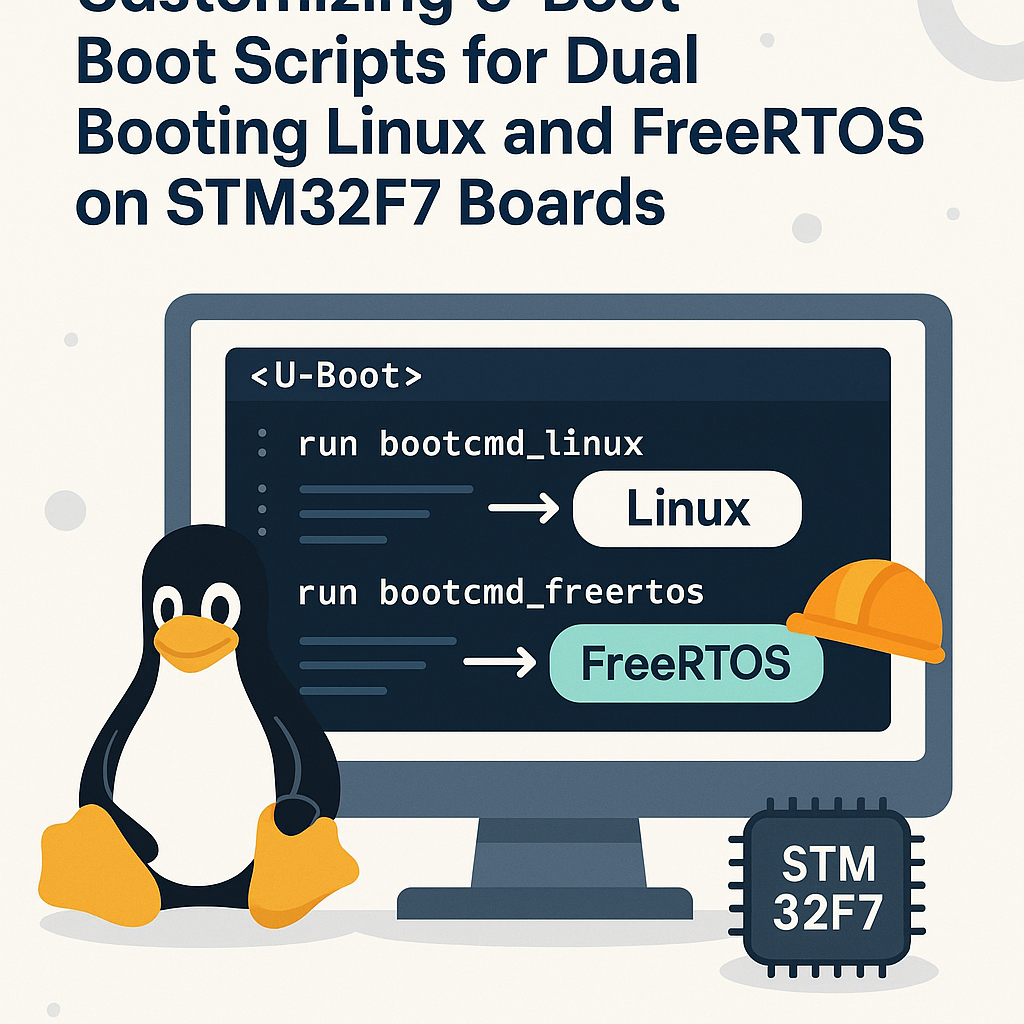
Introduction
Running both Linux and FreeRTOS on an STM32F7 gives you the best of both worlds: Linux handles networking, filesystems, and user-space complexity, while FreeRTOS takes care of hard real-time tasks with deterministic timing. The trick is getting U-Boot to manage the handoff between these two very different environments.
This guide shows you how to customize U-Boot boot scripts so your STM32F7 board can select between Linux and FreeRTOS at boot time. You'll modify U-Boot environment variables, create boot commands for each OS, and set up a selection mechanism that works through the serial console.
Quick reality check: running mainline Linux on an STM32F7 (Cortex-M7, no MMU) means you're using uClinux or a heavily patched kernel. The memory constraints are tight. If you don't specifically need Linux on this chip, a dual-RTOS setup (FreeRTOS + Zephyr, for example) might be more practical. But if your project calls for it, here's how to make it work.
Prerequisites
- Solid Linux command-line skills (you'll be cross-compiling and flashing)
- Working knowledge of U-Boot concepts (environment variables, boot commands)
- An ARM cross-compilation toolchain installed (arm-none-eabi-gcc)
- Serial terminal software (minicom, picocom, or PuTTY on Windows)
- Both a Linux image (uClinux/buildroot) and a FreeRTOS binary compiled for your STM32F7
Parts/Tools
- STM32F7 development board (STM32F746G-DISCO or similar)
- USB-to-serial adapter (or built-in ST-Link with virtual COM port)
- PC running Linux (Ubuntu 22.04+ or similar)
- U-Boot source code (v2024.01 or newer recommended)
- Pre-built FreeRTOS and Linux images for your board
Steps
-
Inspect the current U-Boot environment
- Connect your STM32F7 board to your PC via the serial/debug interface.
- Open your serial terminal at 115200 baud:
minicom -D /dev/ttyACM0 -b 115200 - Power on the board and hit a key to interrupt autoboot. You should land at the U-Boot prompt.
- Dump the current environment to understand what's already configured:
Pay attention toprintenvbootcmd,loadaddr, and any existingbootargs. You'll be building on top of these.
-
Define boot commands for each OS
- Set up a Linux boot command. This assumes your Linux kernel (zImage or uImage) is on an SD card or USB storage:
Adjust the storage device (setenv boot_linux 'fatload mmc 0:1 ${loadaddr} zImage; fatload mmc 0:1 ${fdtaddr} stm32f746-disco.dtb; bootz ${loadaddr} - ${fdtaddr}'mmc,usb) and filenames to match your setup. Thebootzcommand works for zImage; usebootmfor uImage. - Set up a FreeRTOS boot command. FreeRTOS is just a bare binary that runs directly on the MCU:
Thesetenv boot_freertos 'fatload mmc 0:1 ${loadaddr} freertos.bin; go ${loadaddr}'gocommand jumps directly to the loaded address. No device tree needed here since FreeRTOS manages hardware directly. - Save these to persistent storage:
saveenv
- Set up a Linux boot command. This assumes your Linux kernel (zImage or uImage) is on an SD card or USB storage:
-
Create a boot selection script
- Now create a
bootcmdthat presents a menu. U-Boot's scripting is limited, but you can use GPIO state, a timeout with default, or a simple environment variable check:
This example uses the user button (PA0 on the STM32F746G-DISCO). Hold the button during boot for FreeRTOS, release for Linux. It's more reliable than trying to parse serial input in U-Boot scripts.setenv bootcmd 'if gpio input PA0; then echo Booting FreeRTOS...; run boot_freertos; else echo Booting Linux...; run boot_linux; fi' - Alternatively, use a boot count or environment flag:
Then switch between them withsetenv bootcmd 'if test ${boot_os} = freertos; then run boot_freertos; else run boot_linux; fi' setenv boot_os linuxsetenv boot_os freertos; saveenvfrom the U-Boot console. - Save everything:
saveenv
- Now create a
-
Build U-Boot from source (optional, for deeper customization)
- If you need to modify default environment variables at compile time, clone and configure U-Boot:
git clone https://source.denx.de/u-boot/u-boot.git cd u-boot make stm32f746-disco_defconfig - Edit
include/configs/stm32f746-disco.hto add your default boot environment. Then build:make CROSS_COMPILE=arm-none-eabi- -j$(nproc) - Flash the resulting
u-boot.binto your board using STM32CubeProgrammer or OpenOCD:openocd -f board/stm32f746g-disco.cfg -c "program u-boot.bin 0x08000000 verify reset exit"
- If you need to modify default environment variables at compile time, clone and configure U-Boot:
-
Test the dual-boot setup
- Reboot the board and verify both boot paths work:
Check that Linux boots, then reset and try:run boot_linuxrun boot_freertos - Test the automatic selection mechanism (GPIO button, environment variable, etc.).
- Verify that
saveenvpersists across power cycles. On some STM32 boards, the environment storage location needs to be configured correctly in U-Boot's config, or you'll lose your settings on every reboot.
- Reboot the board and verify both boot paths work:
Troubleshooting
- Board hangs after "go" command for FreeRTOS:
- The load address might conflict with U-Boot's own memory. Check your FreeRTOS linker script to make sure the binary is linked for the address you're loading it to. If
loadaddris 0xC0000000 (external SDRAM), verify SDRAM is initialized.
- The load address might conflict with U-Boot's own memory. Check your FreeRTOS linker script to make sure the binary is linked for the address you're loading it to. If
- Linux fails with memory errors:
- The STM32F7 has limited RAM (typically 320KB internal + external SDRAM). Make sure your Linux kernel config is minimal and your rootfs fits. A common mistake is using a kernel config meant for Cortex-A devices.
- Environment variables lost after reboot:
- U-Boot needs to know where to store the environment (NOR flash, eMMC, or a specific flash sector). Check
CONFIG_ENV_IS_IN_*settings in your U-Boot config. If it's set toCONFIG_ENV_IS_NOWHERE,saveenvsilently does nothing.
- U-Boot needs to know where to store the environment (NOR flash, eMMC, or a specific flash sector). Check
- "fatload" command fails:
- The storage device might not be initialized. Try running
mmc rescanorusb startbefore the fatload command. Also verify the partition table is MBR (not GPT) with a FAT32 partition.
- The storage device might not be initialized. Try running
Wrapping Up
Your STM32F7 can now boot into either Linux or FreeRTOS based on a runtime selection. The GPIO-based approach is my preferred method for dev boards because it doesn't require a serial console connection, but the environment variable method is cleaner for production where you'd switch via an application-level command before rebooting.
If you're building a product with this architecture, consider adding a watchdog-based fallback: if the selected OS fails to boot within a timeout, U-Boot falls back to the other one. That kind of resilience matters when you're deploying devices in the field.