How to Configure STM32L4 Sleep Modes with RTC for 1Hz Sensor Polling
Introduction
Battery-powered embedded devices live or die by their power budget. If your STM32L4 is awake and burning milliamps while waiting around to read a sensor once per second, you're wasting most of your battery capacity on idle time.
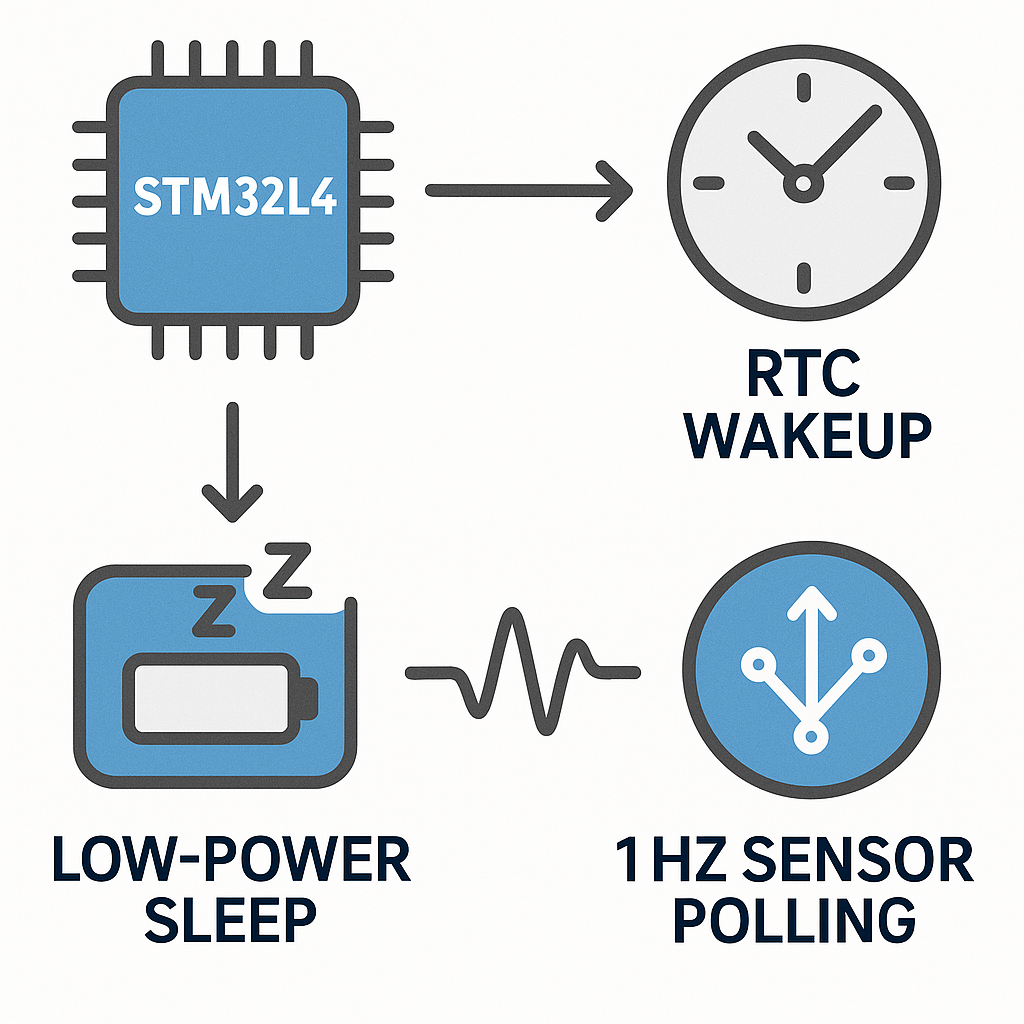
The fix: put the MCU to sleep between readings and let the RTC (Real-Time Clock) wake it up at a 1Hz interval. The STM32L4 series is specifically designed for this kind of ultra-low-power cycling, and the HAL library in STM32CubeIDE v1.16+ makes the configuration manageable once you know the gotchas.
Prerequisites
- Working knowledge of STM32 development and the HAL library
- STM32L4 development board (Nucleo-L476RG or a Discovery kit)
- STM32CubeIDE v1.16+ installed
- Comfortable reading C code and STM32 reference manuals
Parts/Tools
- STM32L4 development board
- USB cable for programming and power
- Optional: external sensor over I2C or SPI for real-world testing
- Optional but recommended: a current meter or power profiler (Nordic PPK2 or similar) to verify your sleep current
Steps
-
Set Up Your Development Environment
- Open STM32CubeIDE and create a new STM32 project targeting your specific L4 board.
- If you're using a Nucleo board, select it from the board selector—this pre-configures the clock tree and debug pins so you don't have to manually sort out the SWD connection.
-
Configure the RTC
- In the CubeMX pinout/configuration view, enable the RTC peripheral under Timers > RTC.
- For the clock source, you have two choices: the LSE (32.768 kHz external crystal) or LSI (internal ~32 kHz RC). The LSE is far more accurate and should be your default if your board has the crystal populated (most Nucleo/Discovery boards do). The LSI drifts significantly with temperature and will give you a sloppy 1Hz.
- Enable the RTC Wakeup Timer (not the Alarm—the wakeup timer is simpler for periodic intervals).
- Configure the wakeup timer for a 1-second interval. With the default ck_spre (1Hz) clock source, set the wakeup counter to 0 (which gives a 1-second period).
- In code, the initialization looks like this:
RTC_HandleTypeDef hrtc;
hrtc.Instance = RTC;
hrtc.Init.HourFormat = RTC_HOURFORMAT_24;
hrtc.Init.AsynchPrediv = 127;
hrtc.Init.SynchPrediv = 255;  /* 32768 / (128 * 256) = 1Hz */
HAL_RTC_Init(&hrtc);

/* Enable RTC Wakeup Timer with 1-second interval */
HAL_RTCEx_SetWakeUpTimer_IT(&hrtc, 0, RTC_WAKEUPCLOCK_CK_SPRE_16BITS);
Watch out: the prediv values (127 and 255) are correct for a 32.768 kHz crystal. If you're using the LSI (~32 kHz but not exact), you'll need to calibrate these or accept some timing drift.
-
Configure Low-Power Sleep Mode
- The STM32L4 has multiple low-power modes. For 1Hz polling, Stop 2 mode is usually the sweet spot—it drops current to around 1-2 µA while keeping SRAM and register contents intact, and the RTC keeps running.
- Regular Sleep mode (WFI) only saves moderate power since the main regulator stays on. Stop 2 is dramatically better.
void enter_low_power_mode(void) {
    /* Suspend SysTick to avoid wakeup from tick interrupt */
    HAL_SuspendTick();

    /* Enter Stop 2 mode, wake on interrupt */
    HAL_PWREx_EnterSTOP2Mode(PWR_STOPENTRY_WFI);

    /* After wakeup: reconfigure clocks (Stop mode resets to MSI) */
    SystemClock_Config();
    HAL_ResumeTick();
}
This is a common gotcha: when you exit Stop mode, the system clock resets to the MSI oscillator at 4 MHz. You must call your
SystemClock_Config()function again to restore your PLL and HSE settings. Miss this and your UART baud rates, SPI clocks, and timers will all be wrong after wakeup. -
Implement the RTC Wakeup Interrupt Handler
- The HAL provides a callback mechanism. Handle the wakeup event and do your sensor read:
void HAL_RTCEx_WakeUpTimerEventCallback(RTC_HandleTypeDef *hrtc) { /* This fires every 1 second */ read_sensor_data(); } - Your main loop becomes dead simple—just keep entering low-power mode:
-
Write the Sensor Data Reading Function
- Implement your sensor read. For an I2C sensor, it might look like:
void read_sensor_data(void) { uint8_t buf[2]; HAL_I2C_Mem_Read(&hi2c1, SENSOR_ADDR << 1, TEMP_REG, I2C_MEMADD_SIZE_8BIT, buf, 2, 100); int16_t raw_temp = (buf[0] << 8) | buf[1]; /* Process or store raw_temp */ }Keep the timeout short (100ms is plenty for most I2C reads). You don't want a hung bus keeping you awake and draining your battery.
int main(void) {
    HAL_Init();
    SystemClock_Config();
    MX_RTC_Init();
    MX_I2C1_Init();  /* or whatever your sensor bus is */

    while (1) {
        enter_low_power_mode();
        /* Execution resumes here after RTC wakeup */
    }
}
Tip: if you need to transmit or store the sensor data (UART, flash, etc.), do it inside the callback or right after wakeup, before going back to sleep. Keep the awake window as short as possible.
Troubleshooting
- RTC Wakeup Never Fires: Make sure you called
HAL_RTCEx_SetWakeUpTimer_IT()(the _IT variant, with interrupt). Also verify the RTC wakeup interrupt is enabled in the NVIC—CubeMX should handle this, but check the generatedstm32l4xx_it.cfile to confirm the handler is there. - MCU Won't Enter Stop Mode (or wakes immediately): Any pending interrupt will prevent entry or cause an immediate wakeup. Disable peripherals you don't need (UART RX interrupts are a frequent culprit). Check the EXTI pending register.
- High Current in Sleep: If you're measuring milliamps instead of microamps in Stop 2, check that you've configured unused GPIO pins as analog (lowest leakage). Also verify the debugger is disconnected—SWD keeps the debug domain powered and can add 500+ µA.
- Clock Configuration Wrong After Wakeup: You forgot to call
SystemClock_Config()after exiting Stop mode. This is the number one mistake people make with STM32 low-power modes.
Conclusion
With Stop 2 mode and the RTC wakeup timer, your STM32L4 can idle at single-digit microamps between sensor reads. The key things to remember: use the wakeup timer (not alarms) for periodic intervals, always reconfigure clocks after exiting Stop mode, and measure your actual current draw to verify. From here, explore Stop 0/1 modes if you need faster wakeup times, or Standby mode if you can tolerate losing SRAM contents for even lower power consumption.