How to Configure ESP32 with LMIC for LoRaWAN Sensor Data Transmission
Why LoRaWAN + ESP32?
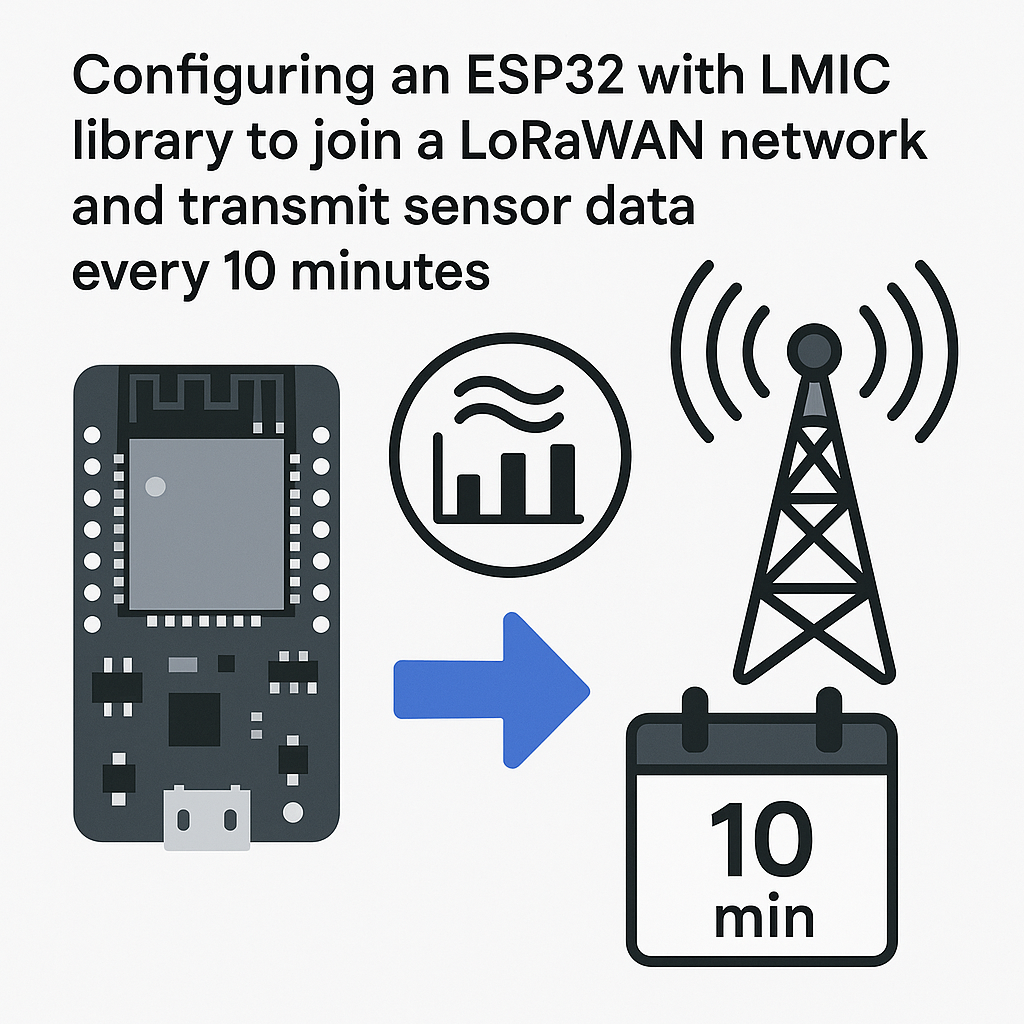
LoRaWAN lets you send small packets of sensor data over kilometers, using barely any power. The ESP32 is a solid match for this because it's cheap, well-supported, and has enough horsepower to handle the LMIC (LoRaWAN-MAC-in-C) stack alongside your sensor logic. The trade-off? LMIC on ESP32 can be finicky to set up, and the library is heavy. But once it's running, you've got a long-range sensor node that can run on a battery for months.
We'll wire up an ESP32 to an RFM95W LoRa module, connect a DHT11 sensor, and get the whole thing joining a LoRaWAN network and transmitting temperature/humidity readings every 10 minutes.
Prerequisites
- Comfort with Arduino-style C/C++ code
- An ESP32 dev board
- Arduino IDE 2.x installed (or PlatformIO v6.x if you prefer)
- The MCCI LMIC library for Arduino
- LoRaWAN network credentials from your network server (AppEUI, AppKey, DevEUI) — The Things Network or Chirpstack both work
- A sensor to read from (we're using a DHT11 here, but swap in whatever you've got)
Parts/Tools
- ESP32 development board
- RFM95W LoRa module (868 MHz or 915 MHz, depending on your region)
- DHT11 temperature/humidity sensor
- Jumper wires
- Breadboard
- USB cable for programming
Steps
- Set Up Arduino IDE 2.x for ESP32
Open Arduino IDE 2.x and go to File > Preferences. In the Additional Board Manager URLs field, add:
https://espressif.github.io/arduino-esp32/package_esp32_index.jsonThen go to Tools > Board > Boards Manager, search for "esp32", and install the esp32 by Espressif Systems package. As of early 2026, this gives you the Arduino ESP32 core v3.x, which has solid SPI support and plays well with LMIC.
Watch out: the old Espressif board URL (
dl.espressif.com/dl/...) still works but pulls an older core. Use the new URL above to get v3.x. - Install the LMIC Library
Go to Sketch > Include Library > Manage Libraries and search for "LMIC". Install MCCI LoRaWAN LMIC Library (not the older IBM LMIC — the MCCI fork is actively maintained and handles the ESP32's dual-core quirks better).
After installing, you'll need to edit
lmic_project_config.hinside the library folder to select your frequency plan. Comment out the default and uncomment your region:// #define CFG_us915 1 #define CFG_eu868 1 // or whichever region you're inSkip this step and you'll get cryptic compile errors. Ask me how I know.
- Connect the Hardware
Wire the ESP32 to the RFM95W module using SPI. Here's a typical pin mapping:
ESP32       RFM95W
---------------------
3.3V        VCC
GND         GND
GPIO 5      NSS (CS)
GPIO 18     SCK
GPIO 23     MOSI
GPIO 19     MISO
GPIO 27     RST
GPIO 26     DIO0
GPIO 33     DIO1
DIO0 and DIO1 are required for LMIC — they're interrupt lines the library uses for timing LoRa packet reception. If you skip these, your join requests will silently fail. The DIO2 line isn't needed for LoRaWAN Class A operation.
For the DHT11, wire the data pin to GPIO 4 with a 10k pull-up resistor to 3.3V. Power it from the ESP32's 3.3V rail.
- Write the Code
Here's a stripped-down sketch. Replace the credential arrays with your actual keys (in MSB or LSB format depending on your network server — The Things Network uses LSB for DevEUI and AppEUI, MSB for AppKey).
#include <lmic.h>
#include <hal/hal.h>
#include <SPI.h>
#include <DHT.h>

#define DHTPIN 4
#define DHTTYPE DHT11
#define TX_INTERVAL 600  // 10 minutes in seconds

DHT dht(DHTPIN, DHTTYPE);

// LoRaWAN credentials (replace with yours)
static const u1_t PROGMEM APPEUI[] = { 0x00, 0x00, 0x00, 0x00, 0x00, 0x00, 0x00, 0x00 };
static const u1_t PROGMEM DEVEUI[] = { 0x00, 0x00, 0x00, 0x00, 0x00, 0x00, 0x00, 0x00 };
static const u1_t PROGMEM APPKEY[] = { 0x00, 0x00, 0x00, 0x00, 0x00, 0x00, 0x00, 0x00,
                                       0x00, 0x00, 0x00, 0x00, 0x00, 0x00, 0x00, 0x00 };

void os_getArtEui(u1_t* buf) { memcpy_P(buf, APPEUI, 8); }
void os_getDevEui(u1_t* buf) { memcpy_P(buf, DEVEUI, 8); }
void os_getDevKey(u1_t* buf) { memcpy_P(buf, APPKEY, 16); }

// Pin mapping for ESP32 + RFM95W
const lmic_pinmap lmic_pins = {
    .nss = 5,
    .rxtx = LMIC_UNUSED_PIN,
    .rst = 27,
    .dio = {26, 33, LMIC_UNUSED_PIN},
};

static osjob_t sendjob;

void do_send(osjob_t* j) {
    if (LMIC.opmode & OP_TXRXPEND) {
        Serial.println("TX/RX pending, skipping");
        return;
    }
    float h = dht.readHumidity();
    float t = dht.readTemperature();

    if (!isnan(h) && !isnan(t)) {
        // Pack as 2-byte integers (temp*100, hum*100)
        uint8_t payload[4];
        int16_t temp = (int16_t)(t * 100);
        int16_t hum = (int16_t)(h * 100);
        payload[0] = temp >> 8;
        payload[1] = temp & 0xFF;
        payload[2] = hum >> 8;
        payload[3] = hum & 0xFF;
        LMIC_setTxData2(1, payload, sizeof(payload), 0);
    }
}

void onEvent(ev_t ev) {
    switch (ev) {
        case EV_JOINED:
            Serial.println("Joined network");
            LMIC_setLinkCheckMode(0);
            break;
        case EV_TXCOMPLETE:
            Serial.println("TX complete");
            os_setTimedCallback(&sendjob, os_getTime() + sec2osticks(TX_INTERVAL), do_send);
            break;
        default:
            break;
    }
}

void setup() {
    Serial.begin(115200);
    dht.begin();
    os_init();
    LMIC_reset();
    do_send(&sendjob);
}

void loop() {
    os_runloop_once();
}
A few things to notice here. We're sending binary data instead of a String — LoRaWAN has tiny payload limits (51 bytes at SF12), so sending ASCII wastes bandwidth. Pack your values as integers and decode them on the server side. Also, we're using
os_setTimedCallbackinstead ofdelay()for the 10-minute interval. Never usedelay()with LMIC — it blocks the LMIC state machine and your join/TX will break. - Upload the Code
Select your ESP32 board variant under Tools > Board and pick the correct serial port. Hit Upload. If you get a "Failed to connect" error, hold the BOOT button on the ESP32 while the IDE tries to connect.
- Monitor the Output
Open the Serial Monitor at 115200 baud. You should see LMIC initialization messages, then a join request. The OTAA join can take anywhere from a few seconds to a couple of minutes depending on your gateway coverage and spreading factor. Once you see "Joined network", your sensor data will start flowing.
Troubleshooting
- Join never completes: Double-check your credential byte order. DevEUI and AppEUI are typically LSB-first for The Things Network. AppKey is MSB. This trips up almost everyone the first time.
- TX says "pending" forever: Your DIO0/DIO1 wiring is probably wrong. LMIC needs these interrupt pins to detect when the radio finishes transmitting or receives a downlink window.
- Compile errors about CFG_eu868/CFG_us915: You didn't edit the
lmic_project_config.hfile. Go back to step 2. - Sensor reads NaN: Check your DHT11 wiring and pull-up resistor. These sensors are also picky about timing — the DHT library occasionally misses a read, which is fine since we're only reading every 10 minutes anyway.
Where to Go Next
You've got a working LoRaWAN sensor node. From here, you could add deep sleep between transmissions to push battery life from months into years, wire up additional I2C sensors on the ESP32, or set up a decoder function on your network server to convert those raw bytes back into temperature and humidity values. If you're planning to deploy multiple nodes, look into provisioning tools that let you flash credentials in bulk rather than editing the sketch each time.