How to Configure ESP32 I2S for Audio Playback and Microphone Input
Why I2S on the ESP32?
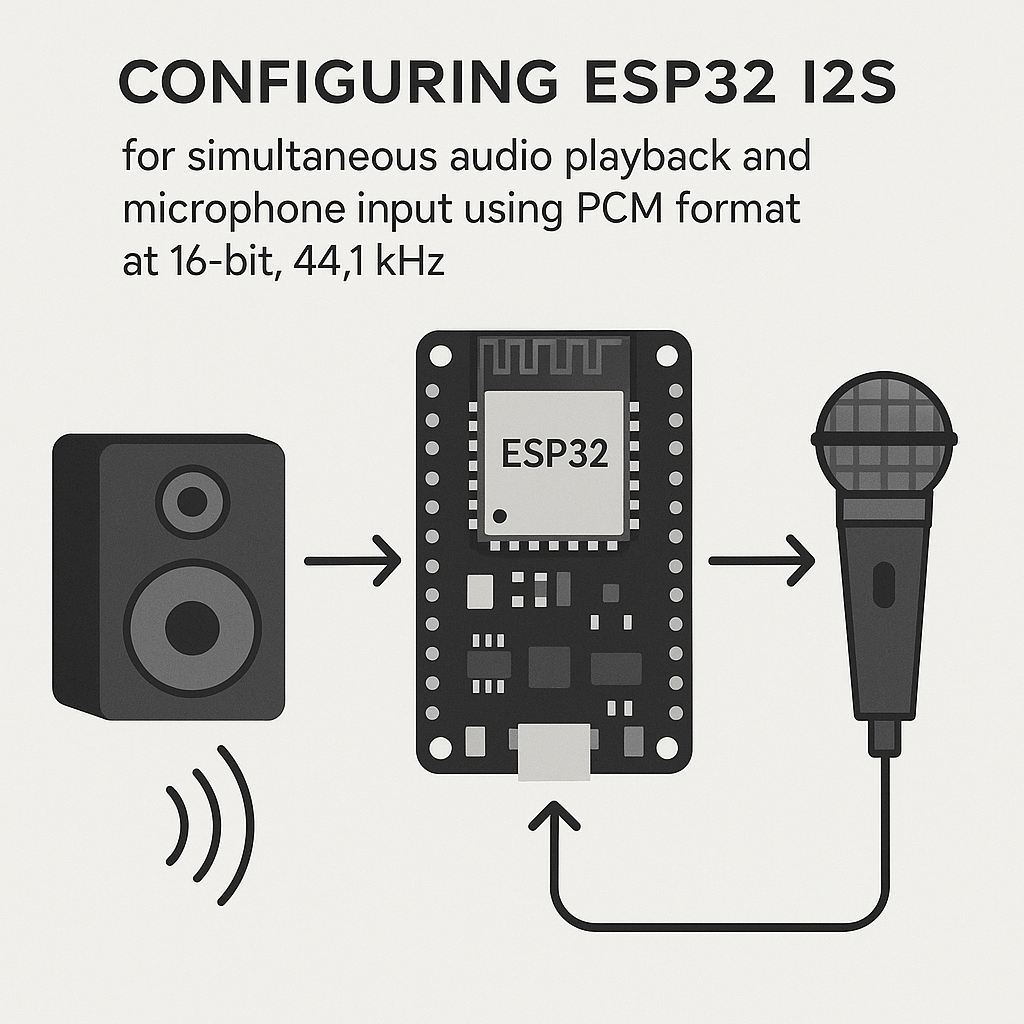
The ESP32 has a dedicated I2S peripheral that can push and pull digital audio data without bogging down the CPU. If you need to capture audio from a microphone and play it back through a DAC — think voice assistants, audio effects, or intercom systems — I2S is how you do it. No analog conversion on the MCU side, no timing headaches. The peripheral handles the clocking and data transfer via DMA, so your code just reads and writes buffers.
One thing to know upfront: the ESP32's I2S driver API changed significantly between the ESP-IDF v4.x (legacy) driver and the v5.x+ rewrite. The Arduino ESP32 core v3.x is built on ESP-IDF v5.3+, which means the old driver/i2s.h legacy API is deprecated. The code in this guide uses the legacy API since it's still widely supported and most tutorials reference it, but I'll note where the new API differs. If you're starting a fresh project in ESP-IDF directly, use the new driver/i2s_std.h API instead.
What You'll Need
- ESP32 dev board — any variant with standard GPIO access (DevKitC, NodeMCU-32S, etc.)
- INMP441 I2S MEMS microphone — digital output, no ADC needed. These are everywhere for a few dollars.
- PCM5102A I2S DAC breakout — takes I2S in, gives you line-level analog audio out. Sounds surprisingly good for the price.
- Jumper wires
- Arduino IDE 2.x with the ESP32 board package v3.x installed, or PlatformIO v6.x with the espressif32 platform
Wiring
The tricky part: the INMP441 and PCM5102A share the same I2S bus (same BCK and WS lines) but have separate data lines. The mic sends data to the ESP32, the DAC receives data from it.
INMP441 Microphone to ESP32
INMP441 Pin    ESP32 Pin    Notes
-----------    ---------    -----
VDD            3.3V         Do NOT use 5V -- the INMP441 is 3.3V only
GND            GND          Common ground
SCK (BCK)      GPIO 26      Bit clock
WS (LRCK)      GPIO 25      Word select / left-right clock
SD (DATA)      GPIO 22      Serial data out from mic
L/R            GND          Tie low = left channel
PCM5102A DAC to ESP32
PCM5102A Pin    ESP32 Pin    Notes
------------    ---------    -----
VIN             5V           Board regulator handles the rest
GND             GND          Common ground
BCK             GPIO 26      Shared with mic -- same bit clock
LCK (WS)        GPIO 25      Shared with mic -- same word select
DIN             GPIO 21      Serial data in to DAC
SCK             GND          Tie to GND (PCM5102A generates its own system clock)
FMT             GND          I2S format (not left-justified)
XMT             3.3V         Unmute / enable output
Watch out for the PCM5102A's SCK pin. This is not the bit clock — it's a system/master clock input. The PCM5102A can generate this internally, so tie it to GND. If you leave it floating, you'll get silence or garbled audio and spend an hour wondering what went wrong. Ask me how I know.
Also note: the FMT pin selects I2S vs left-justified format. Tie it to GND for standard I2S. The XMT pin is an active-high mute control — tie it to 3.3V or you'll get no output.
I2S Configuration Code
This example uses one I2S port in full-duplex mode (TX + RX simultaneously) with shared clock lines. The ESP32 acts as the I2S master, generating BCK and WS.
#include <driver/i2s.h>

#define I2S_BCK_PIN     26
#define I2S_WS_PIN      25
#define I2S_DOUT_PIN    21   // To DAC
#define I2S_DIN_PIN     22   // From mic
#define SAMPLE_RATE     44100
#define DMA_BUF_COUNT   8
#define DMA_BUF_LEN     1024

void i2s_setup() {
    i2s_config_t i2s_config = {
        .mode = (i2s_mode_t)(I2S_MODE_MASTER | I2S_MODE_TX | I2S_MODE_RX),
        .sample_rate = SAMPLE_RATE,
        .bits_per_sample = I2S_BITS_PER_SAMPLE_16BIT,
        .channel_format = I2S_CHANNEL_FMT_RIGHT_LEFT,
        .communication_format = I2S_COMM_FORMAT_STAND_I2S,
        .intr_alloc_flags = ESP_INTR_FLAG_LEVEL1,
        .dma_buf_count = DMA_BUF_COUNT,
        .dma_buf_len = DMA_BUF_LEN,
        .use_apll = true,   // Use APLL for cleaner audio clock
        .tx_desc_auto_clear = true
    };

    i2s_pin_config_t pin_config = {
        .bck_io_num = I2S_BCK_PIN,
        .ws_io_num = I2S_WS_PIN,
        .data_out_num = I2S_DOUT_PIN,
        .data_in_num = I2S_DIN_PIN
    };

    i2s_driver_install(I2S_NUM_0, &i2s_config, 0, NULL);
    i2s_set_pin(I2S_NUM_0, &pin_config);
    i2s_zero_dma_buffer(I2S_NUM_0);
}

void setup() {
    Serial.begin(115200);
    i2s_setup();
    Serial.println("I2S initialized -- mic passthrough active");
}

void loop() {
    int16_t buffer[1024];
    size_t bytes_read = 0;
    size_t bytes_written = 0;

    // Read audio samples from microphone
    i2s_read(I2S_NUM_0, buffer, sizeof(buffer), &bytes_read, portMAX_DELAY);

    // Write them straight to the DAC for passthrough
    i2s_write(I2S_NUM_0, buffer, bytes_read, &bytes_written, portMAX_DELAY);
}
A few things happening here worth explaining:
- APLL (
use_apll = true): The ESP32 has an Audio PLL that generates cleaner I2S clocks than the standard PLL. This reduces jitter and makes a noticeable difference in audio quality. Always enable it for audio work. tx_desc_auto_clear = true: If the TX buffer runs dry (underflow), it outputs silence instead of repeating the last buffer. Without this, you get a nasty repeating artifact on underflow.- DMA buffer sizing: 8 buffers of 1024 samples gives you decent latency without dropouts. If you need lower latency (for real-time effects), try fewer or shorter buffers — but you'll need to process audio faster to keep up.
I2S_COMM_FORMAT_STAND_I2S: Use this instead of the olderI2S_COMM_FORMAT_I2Sconstant, which is deprecated in ESP-IDF v5.x. They're functionally the same, but the compiler will warn you about the old one.
Setting Up Your Arduino Environment
If you haven't set up the ESP32 Arduino core yet:
- Open Arduino IDE 2.x, go to File > Preferences.
- In the Additional boards manager URLs field, add:
https://espressif.github.io/arduino-esp32/package_esp32_index.json - Go to Tools > Board > Boards Manager, search for "esp32", and install the Espressif package (v3.x).
- Select your ESP32 board under Tools > Board and pick the correct port.
If you're using PlatformIO v6.x instead, just set platform = espressif32 and framework = arduino in your platformio.ini. It handles board packages automatically.
Testing
Upload the sketch, and speak near the INMP441 microphone. You should hear your voice coming out of whatever is connected to the PCM5102A's audio output (headphones, powered speaker, etc.). The latency should be barely perceptible — a few milliseconds with the default buffer settings.
If you want to verify data is actually flowing, add a quick debug print inside the loop to check bytes_read. It should be nonzero and consistent. Don't leave the print in for production — serial output at 44.1kHz sample rates will cause buffer underruns.
Troubleshooting
- No audio output at all: Check the PCM5102A's XMT pin (must be HIGH to unmute) and SCK pin (must be tied to GND). These two pins cause the vast majority of "it doesn't work" issues with this DAC board.
- Audio is present but sounds garbled or pitched wrong: Verify that the sample rate in your I2S config matches what both the mic and DAC expect. Also check that
bits_per_sampleis set to 16-bit andcommunication_formatis set toI2S_COMM_FORMAT_STAND_I2S. A format mismatch between the ESP32 and the DAC will shift the bit alignment. - Microphone only outputs on one channel: The INMP441's L/R pin determines which channel it transmits on. Tied to GND = left channel, tied to VCC = right channel. If you only hear audio in one ear, either change the L/R pin or adjust your
channel_formatsetting. - Loud clicking or popping: Usually a DMA buffer underrun. Increase
dma_buf_countordma_buf_len. Also make sure you're not doing any heavy processing (like Serial.print) inside the audio loop. - Compilation errors about deprecated I2S functions: The Arduino ESP32 core v3.x is built on ESP-IDF v5.3+, where the legacy I2S driver is deprecated but still functional. If you get warnings, that's expected. If you get hard errors, make sure you're including
<driver/i2s.h>(legacy) and not the new API headers by mistake.
Going Further
This passthrough example is the starting point. Once you've got audio flowing both directions, you can insert processing between the read and write: apply gain, mix in a WAV file from an SD card, run a simple FIR filter, or feed the mic data to an FFT for spectrum analysis. The ESP32's dual cores are useful here — pin the audio I/O loop to one core and your processing to the other using FreeRTOS tasks. With ESP-IDF v5.3+ and FreeRTOS v11.x under the hood, you've got solid real-time primitives to work with.
For the new I2S driver API (recommended for new ESP-IDF projects), check the ESP-IDF I2S documentation. The new API splits I2S into separate channel objects for TX and RX, which is cleaner but requires more setup code.