How to Build a 16-bit ADC Data Logger with Circular Buffer on STM32F4
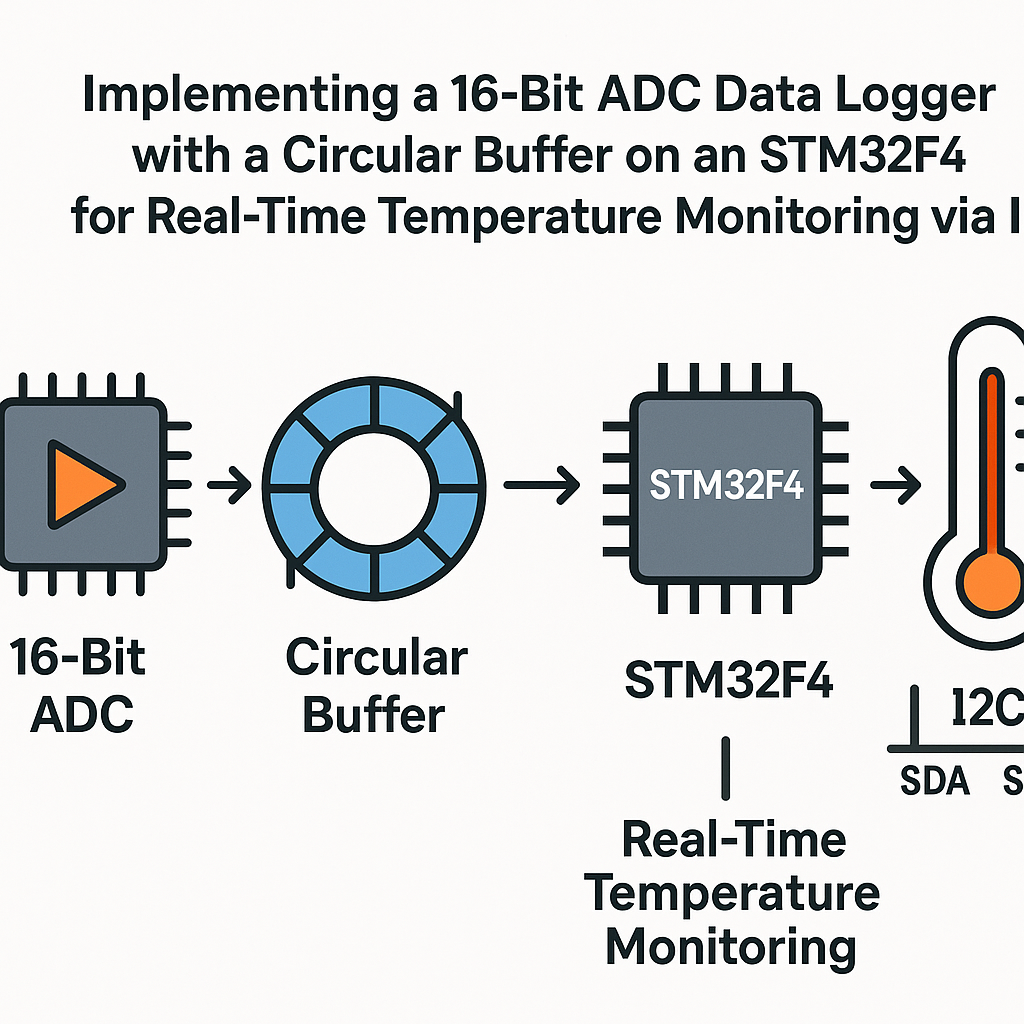
16-bit ADC Data Logger with Circular Buffer on STM32F4 for Real-Time Temperature Monitoring
External 16-bit ADCs give you way more resolution than the STM32F4's built-in 12-bit ADC, which matters when you're logging temperature data where small changes are significant. Pair that with a circular buffer and you get a clean, overwrite-safe data pipeline that keeps rolling even when your downstream processing can't keep up.
This project wires up an I2C temperature sensor (like the LM75) to an STM32F4 and logs readings into a circular buffer driven by a timer interrupt. The circular buffer pattern is something you'll use constantly in embedded work, so this is a solid project to internalize it.
Prerequisites
- Working knowledge of C programming
- Familiarity with STM32 microcontrollers and the HAL library
- STM32CubeIDE v1.16+ installed and configured
- An I2C temperature sensor (LM75 or similar)
- Basic understanding of ADC concepts and I2C communication
Parts/Tools
- STM32F4 Discovery Board
- Temperature sensor (LM75 or equivalent I2C sensor)
- Connecting wires
- USB to UART converter (for serial debugging, if needed)
- Multimeter (handy for verifying I2C pull-up voltages)
Steps
- Set Up the Hardware
- Connect your LM75 (or similar sensor) to the STM32F4 board's I2C pins. On most STM32F4 Discovery boards, I2C1 uses PB6 (SCL) and PB7 (SDA). Double-check your specific board's pinout.
- Make sure you have 4.7k pull-up resistors on both SDA and SCL lines. Some breakout boards include these already, but if you're wiring bare chips, forgetting pull-ups is the number one reason I2C doesn't work.
- Power the sensor from the 3.3V rail. The LM75 runs fine at 3.3V, and mixing voltage levels on I2C is a recipe for weird intermittent failures.
- Configure the STM32F4 in CubeIDE
- Open STM32CubeIDE v1.16+ and create a new STM32 project for your board.
- In the .ioc pinout configurator, enable I2C1 and set it up. The code generator will produce something like this:
I2C_HandleTypeDef hi2c1; hi2c1.Instance = I2C1; hi2c1.Init.ClockSpeed = 100000; hi2c1.Init.DutyCycle = I2C_DUTYCYCLE_2; hi2c1.Init.OwnAddress1 = 0; hi2c1.Init.AddressingMode = I2C_ADDRESSINGMODE_7BIT; hi2c1.Init.DualAddressMode = I2C_DUALADDRESS_DISABLE; hi2c1.Init.OwnAddress2 = 0; hi2c1.Init.GeneralCallMode = I2C_GENERALCALL_DISABLE; hi2c1.Init.NoStretchMode = I2C_NOSTRETCH_DISABLE; - Also enable ADC1 if you plan to read any analog signals alongside the I2C sensor. For the temperature logger itself, the LM75 gives you digital readings over I2C, so the ADC is optional here. Configure it like this if you need it:
ADC_HandleTypeDef hadc1;
hadc1.Instance = ADC1;
hadc1.Init.ClockPrescaler = ADC_CLOCK_SYNC_PCLK_DIV4;
hadc1.Init.Resolution = ADC_RESOLUTION_12B;
hadc1.Init.ScanConvMode = DISABLE;
hadc1.Init.ContinuousConvMode = ENABLE;
hadc1.Init.DiscontinuousConvMode = DISABLE;
hadc1.Init.ExternalTrigConv = ADC_SOFTWARE_START;
- Implement the Circular Buffer
- Define the buffer structure. Using a power-of-two size lets you use bitmask tricks instead of modulo, but for clarity we'll stick with modulo here:
#define BUFFER_SIZE 100 uint16_t buffer[BUFFER_SIZE]; uint8_t head = 0; uint8_t tail = 0; - Watch out: with a buffer size of 100,
uint8_tworks fine for head and tail (max 255). But if you bump the buffer to 256+ entries, switch touint16_tor you'll get silent wrap-around bugs. - Here are the write and read functions. The write function overwrites the oldest data when the buffer is full, which is usually what you want for a data logger:
void add_to_buffer(uint16_t value) { buffer[head] = value; head = (head + 1) % BUFFER_SIZE; if (head == tail) { tail = (tail + 1) % BUFFER_SIZE; // Overwrite oldest data } } uint16_t get_from_buffer() { if (head == tail) return 0; // Buffer is empty uint16_t val = buffer[tail]; tail = (tail + 1) % BUFFER_SIZE; return val; } - Tip: if you're calling
add_to_bufferfrom an ISR andget_from_bufferfrom your main loop (which is exactly what we'll do), this single-producer/single-consumer setup is safe without mutexes as long as head and tail are volatile. Addvolatileto their declarations.
- Define the buffer structure. Using a power-of-two size lets you use bitmask tricks instead of modulo, but for clarity we'll stick with modulo here:
- Read Temperature Data and Log It
- The LM75 returns a 16-bit temperature value from its temperature register (register 0x00). The upper 8 bits are the integer part and the lower bits give you fractional resolution:
uint8_t tempData[2]; HAL_I2C_Mem_Read(&hi2c1, LM75_ADDR, TEMP_REG, 1, tempData, 2, 100); int16_t temperature = (tempData[0] << 8) | tempData[1]; - Then push it into the buffer:
add_to_buffer(temperature); - The LM75's default I2C address is 0x48 (shifted left to 0x90 for HAL functions, which expect 7-bit addresses shifted left by 1). If your sensor has a different address configuration, check the A0-A2 pins.
- The LM75 returns a 16-bit temperature value from its temperature register (register 0x00). The upper 8 bits are the integer part and the lower bits give you fractional resolution:
- Set Up a Timer for Continuous Logging
- Configure a hardware timer in the .ioc file to trigger an interrupt at your desired sample rate. For temperature monitoring, something between 1-10 Hz is plenty. Faster rates just fill your buffer with near-identical values.
- In the timer interrupt callback, read the sensor and log the value:
void HAL_TIM_PeriodElapsedCallback(TIM_HandleTypeDef *htim) { if (htim->Instance == TIM2) { int16_t temperature = read_temperature(); add_to_buffer(temperature); } } - I2C reads inside an ISR can cause timing issues if the I2C bus is slow or the sensor isn't responding. For production code, consider setting a flag in the ISR and doing the actual I2C read in the main loop. For a data logger prototype, this approach works fine.
Troubleshooting
- Sensor Not Responding:
- Verify your I2C pull-up resistors are in place. Use a multimeter to check that SDA and SCL idle high at 3.3V.
- Run an I2C bus scan to confirm the sensor address. If
HAL_I2C_IsDeviceReady()returns HAL_OK, your wiring is good. - Check that you're using the correct shifted address for HAL functions (address << 1).
- Data Not Logging:
- Confirm the timer interrupt is actually firing. Toggle an LED in the callback as a sanity check.
- Print the head and tail values over UART to verify the buffer is advancing.
- If head and tail are always equal, your write function isn't being called or the buffer is being read faster than it's filled.
What You Built
You now have a working 16-bit temperature data logger on the STM32F4 that stores readings in a circular buffer. The timer-driven approach keeps your sampling rate consistent regardless of what else is happening in your main loop. From here, you could add UART output to stream the buffer contents to a PC, write the data to an SD card, or add more I2C sensors to the same bus. The circular buffer pattern scales well for multi-sensor setups since each sensor can have its own buffer instance.