How-To-Tutorials · October 11, 2025
Build a Lightweight HTTP/REST Server on ESP32 with JWT Authentication
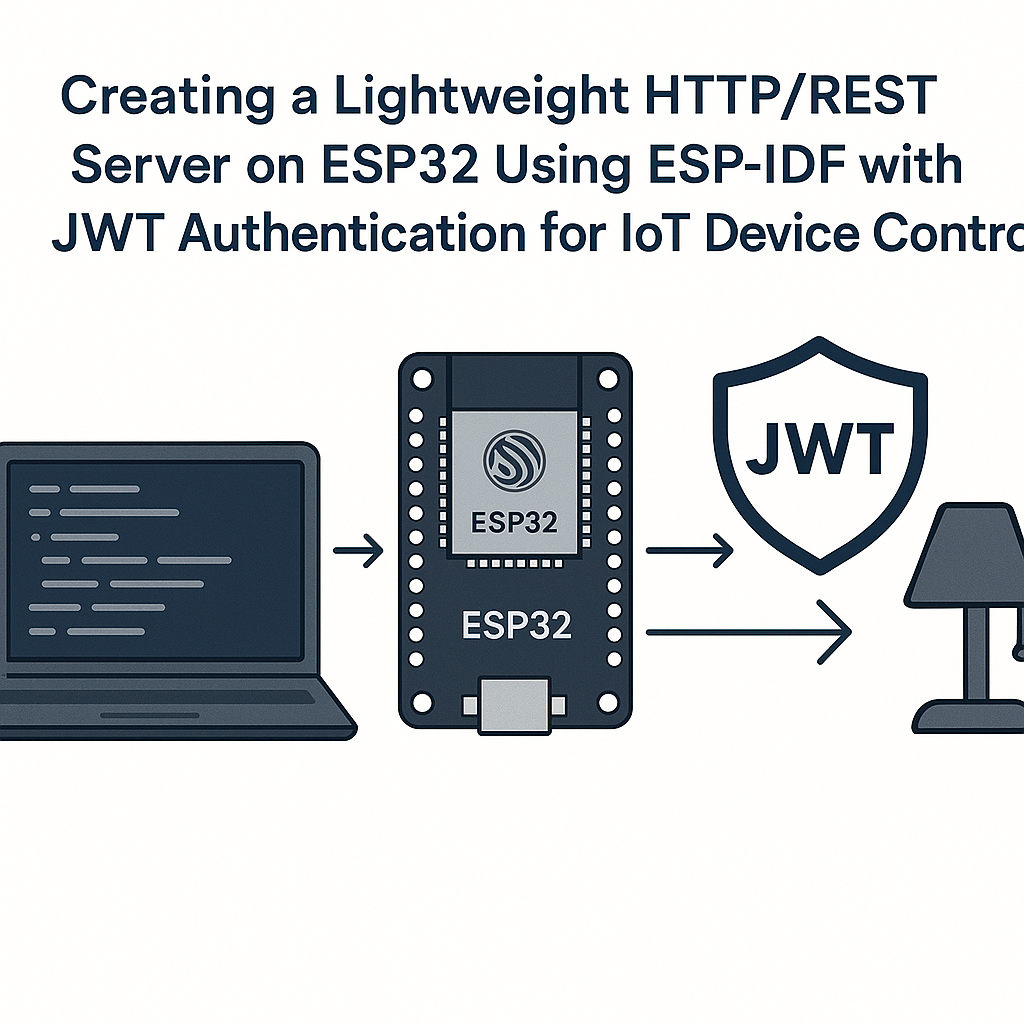
Creating a Lightweight HTTP/REST Server on ESP32 Using ESP-IDF with JWT Authentication for IoT Device Control
This tutorial will guide you through the process of creating a lightweight HTTP/REST server on an ESP32 device using the ESP-IDF framework. We will implement JSON Web Token (JWT) authentication to secure your IoT device control.
Prerequisites
- ESP32 development board
- ESP-IDF installed on your machine
- Basic knowledge of C programming
- Familiarity with RESTful API concepts
- Access to a terminal/command line
- OpenSSL installed for JWT encoding/decoding
Parts/Tools
- ESP32 development board
- USB cable
- Computer with ESP-IDF setup
- Code editor (e.g., Visual Studio Code)
Steps
- Set Up Your ESP-IDF Environment
- Clone the ESP-IDF repository:
- Set up the environment variables:
git clone --recursive https://github.com/espressif/esp-idf.gitcd esp-idf . ./export.sh - Create a New ESP-IDF Project
- Navigate to your projects directory:
- Use the template project:
- Navigate to the new project:
mkdir ~/esp/projects cd ~/esp/projectscp -r $IDF_PATH/examples/get-started/hello_world ./my_http_servercd my_http_server - Implement the HTTP Server
- Include necessary libraries in your main file:
- Define your HTTP server and endpoints:
#include "esp_http_server.h" #include "jwt.h"esp_err_t hello_get(httpd_req_t *req) { httpd_resp_send(req, "Hello, World!", HTTPD_RESP_USE_STRLEN); return ESP_OK; } httpd_uri_t hello_uri = { .uri = "/hello", .method = HTTP_GET, .handler = hello_get, .user_ctx = NULL }; - Set Up JWT Authentication
- Generate a JWT token using the following function:
- Update your endpoint to check for the JWT token:
char* generate_jwt() { // Create your JWT token here return "your_jwt_token"; }esp_err_t secured_get(httpd_req_t *req) { const char* auth_header = httpd_req_get_hdr_value_str(req, "Authorization"); if (auth_header == NULL || strcmp(auth_header, "Bearer your_jwt_token") != 0) { httpd_resp_send_401(req); return ESP_FAIL; } httpd_resp_send(req, "Access Granted", HTTPD_RESP_USE_STRLEN); return ESP_OK; } - Initialize the HTTP Server
- Define and start the server in your app_main function:
httpd_handle_t server = NULL; httpd_config_t config = HTTPD_DEFAULT_CONFIG(); httpd_start(&server, &config); httpd_register_uri_handler(server, &hello_uri); httpd_register_uri_handler(server, &secured_uri); - Build and Flash the Application
- Build your project:
- Flash it to your ESP32 device:
idf.py buildidf.py -p PORT flash
Troubleshooting
- Problem: Server fails to start.
Solution: Check for port conflicts or ensure the device is connected properly. - Problem: JWT authentication fails.
Solution: Verify that the token is generated correctly and matches what is expected in the server code. - Problem: HTTP requests return 404.
Solution: Ensure your URIs are correctly registered and match the requests.
Conclusion
In this tutorial, you successfully built a lightweight HTTP/REST server on the ESP32 using ESP-IDF with JWT authentication. This setup allows for secure control of your IoT devices. You can expand upon this foundation by adding more features, endpoints, or integrating with other services.